1-behaviors.lua
Plugins that add new behaviors.
List of plugins
- yazi
- project
- trim
- stickybuf
- mini-bufremove
- smart-splits
- toggleterm
- neovim-session-manager
- spectre
- neo-tree
- nvim-ufo
- nvim-neoclip
- zen-mode
- vim-suda
- vim-matchup
- hop
- nvim-ts-autotag
- nvim-autopairs
- lsp-signature
- nvim-lightbulb
- hot-reload
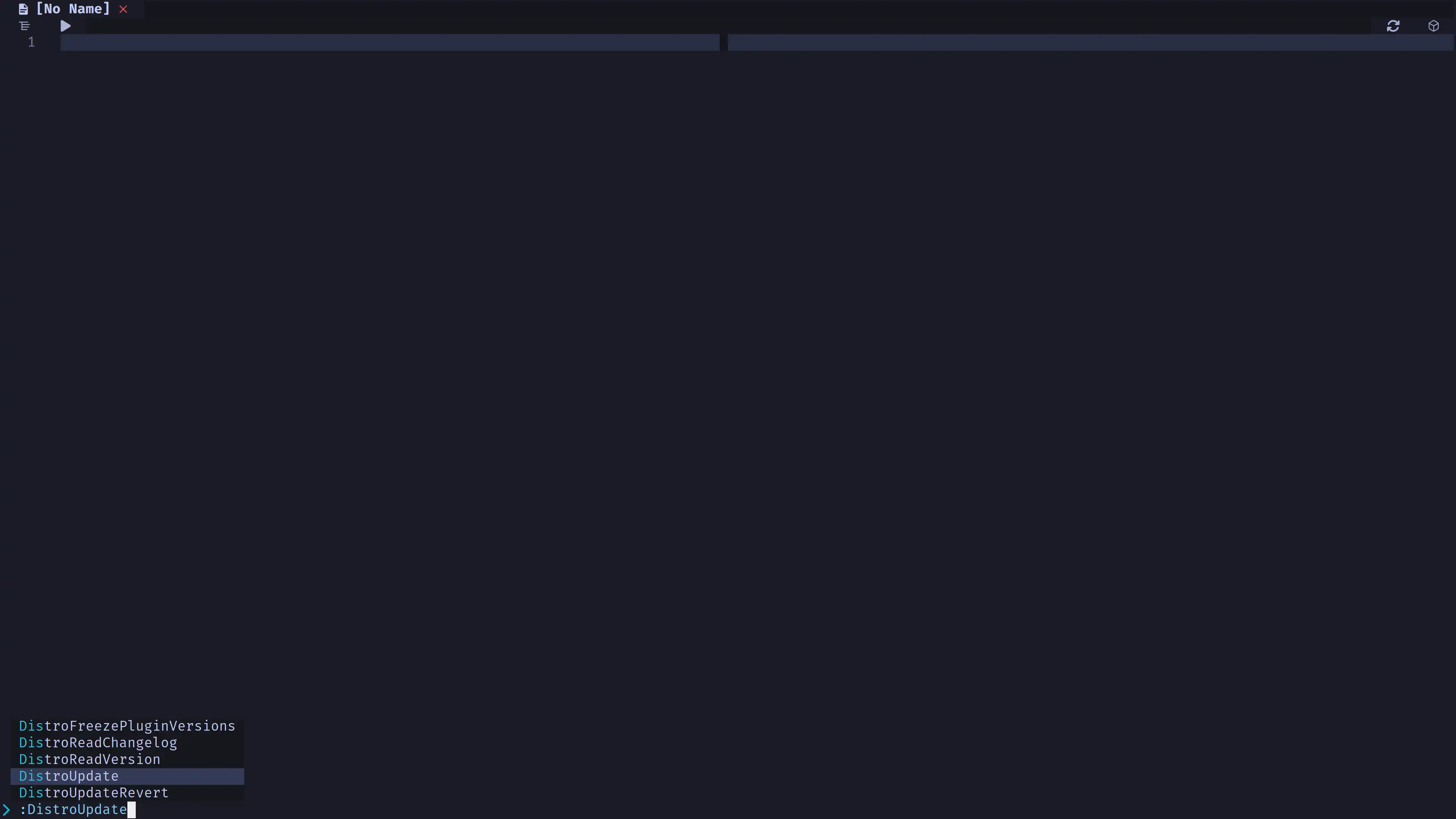
- distroupdate
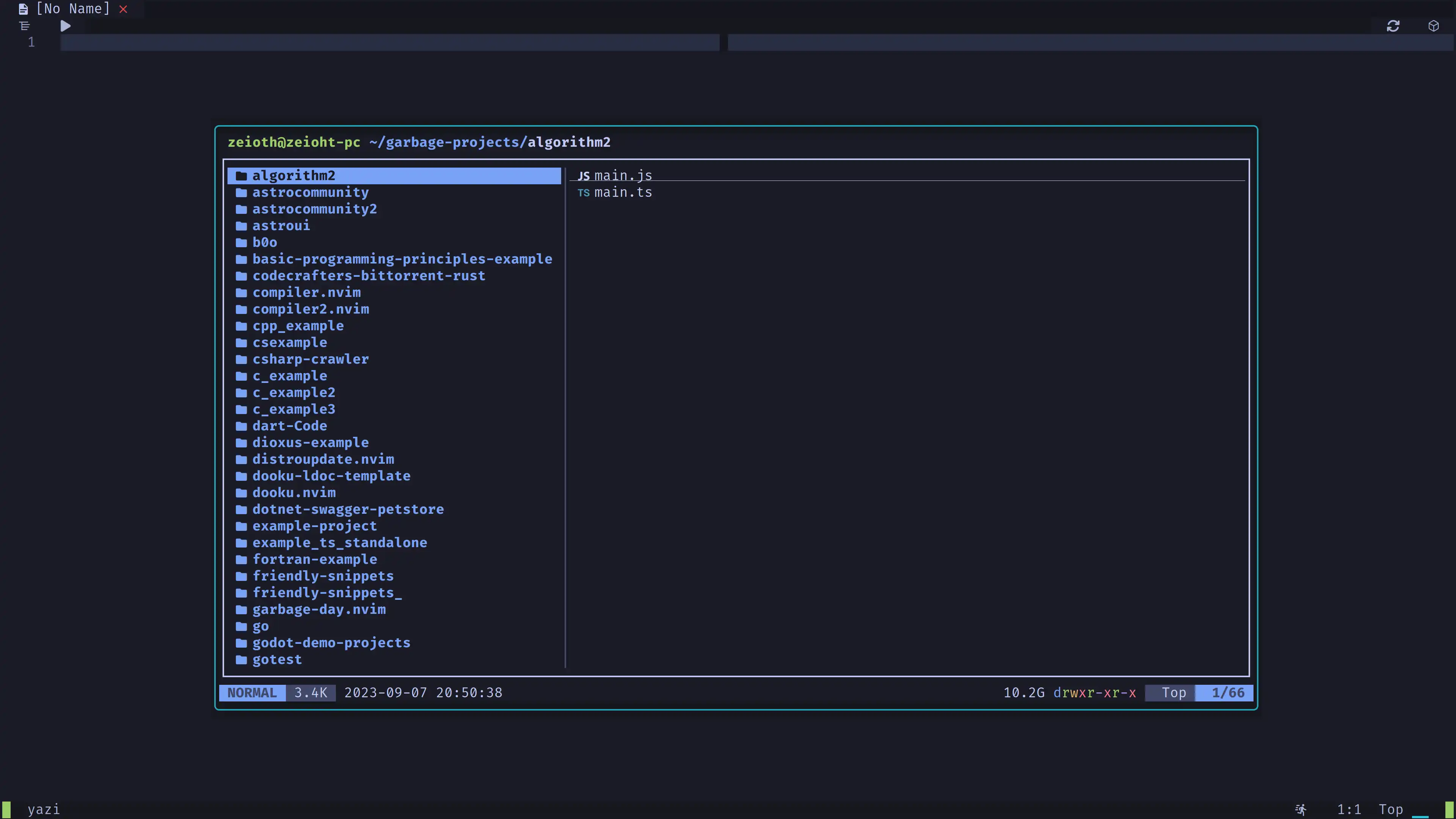
yazi
Yazi is a blazing fast file manager for the terminal. This plugin allows you to open yazi in a floating window in Neovim.
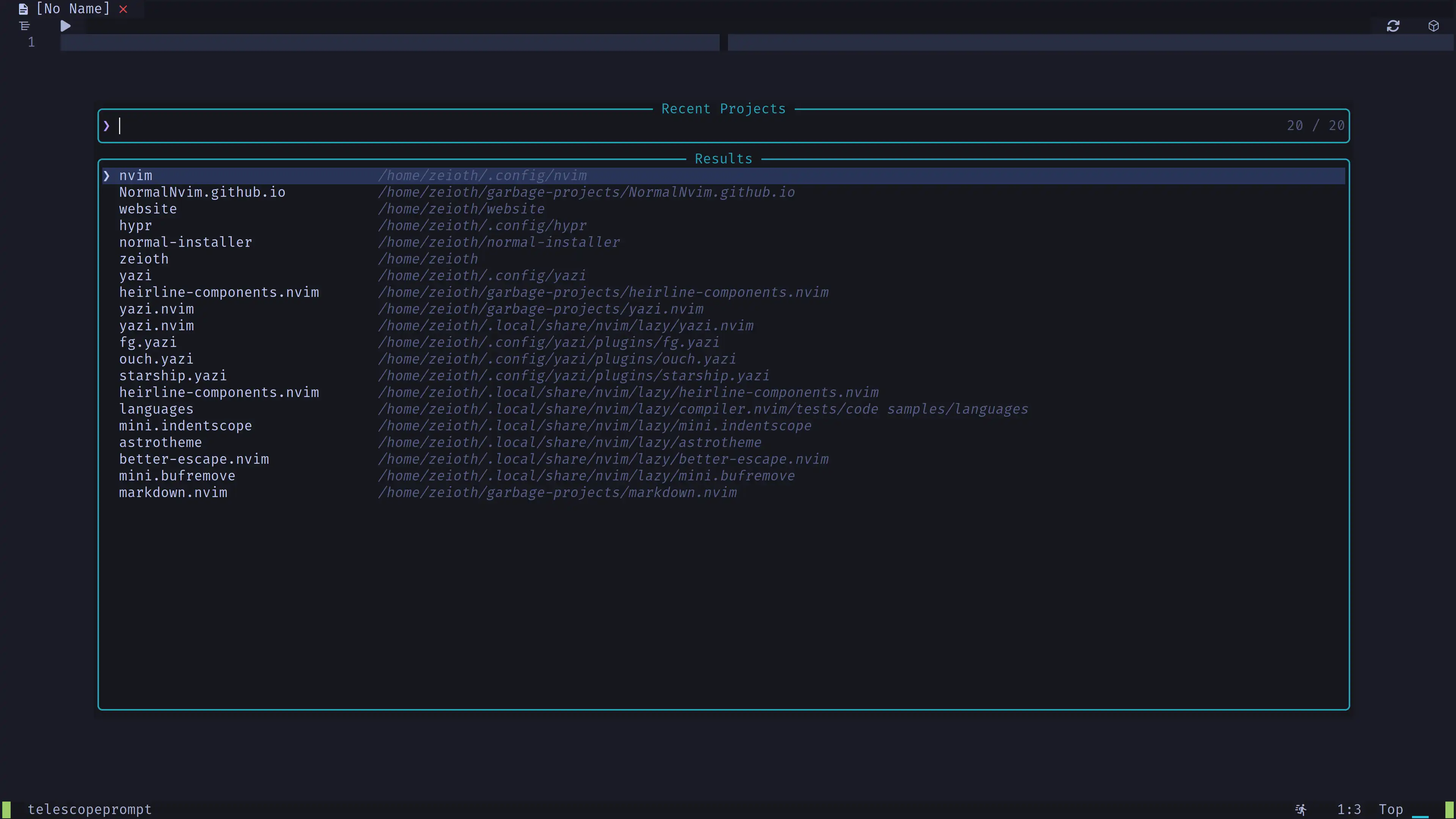
project
Provides a menu to open projects you've previously worked on.
Hint: This plugin will auto
:cdthe project dir every time you open a new buffer if it finds.git. This behavior can be configured.
trim
This plugin trims trailing whitespace and lines.
stickybuf
Prevent certain UI buffers from being accidentally replaced.
mini-bufremove
Customize the behavior of closing buffers.
smart-splits
Elegant window resize.
- Press
ctrl + w + vto create a vertial window. - Press
ctrl + arrow keysto resize it.
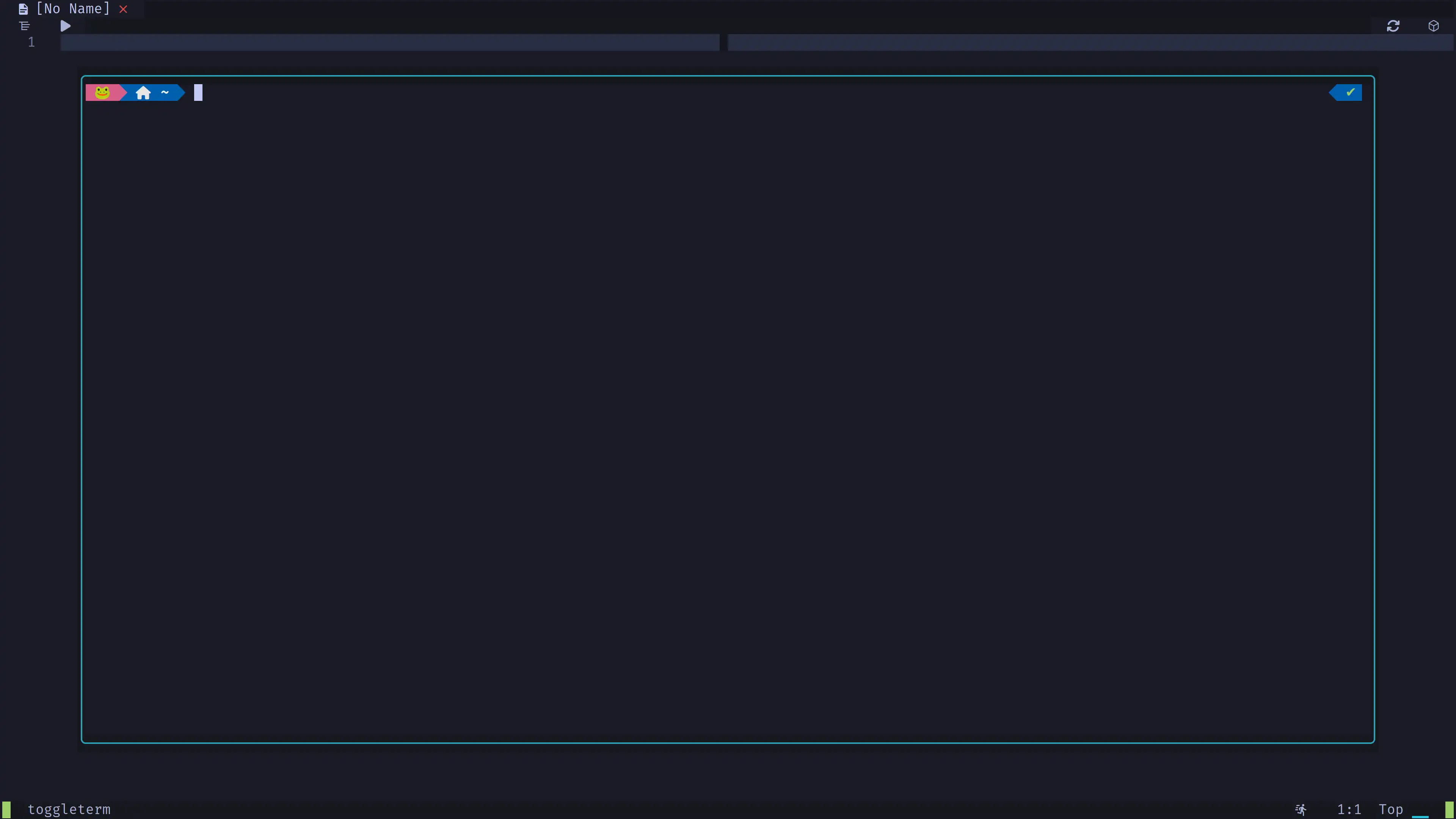
toggleterm
More powerful than the built-in Neovim terminal.
- Press
F7to toggle the terminal. - Alternatively, you can press
Space + tto open it splitted.
neovim-session-manager
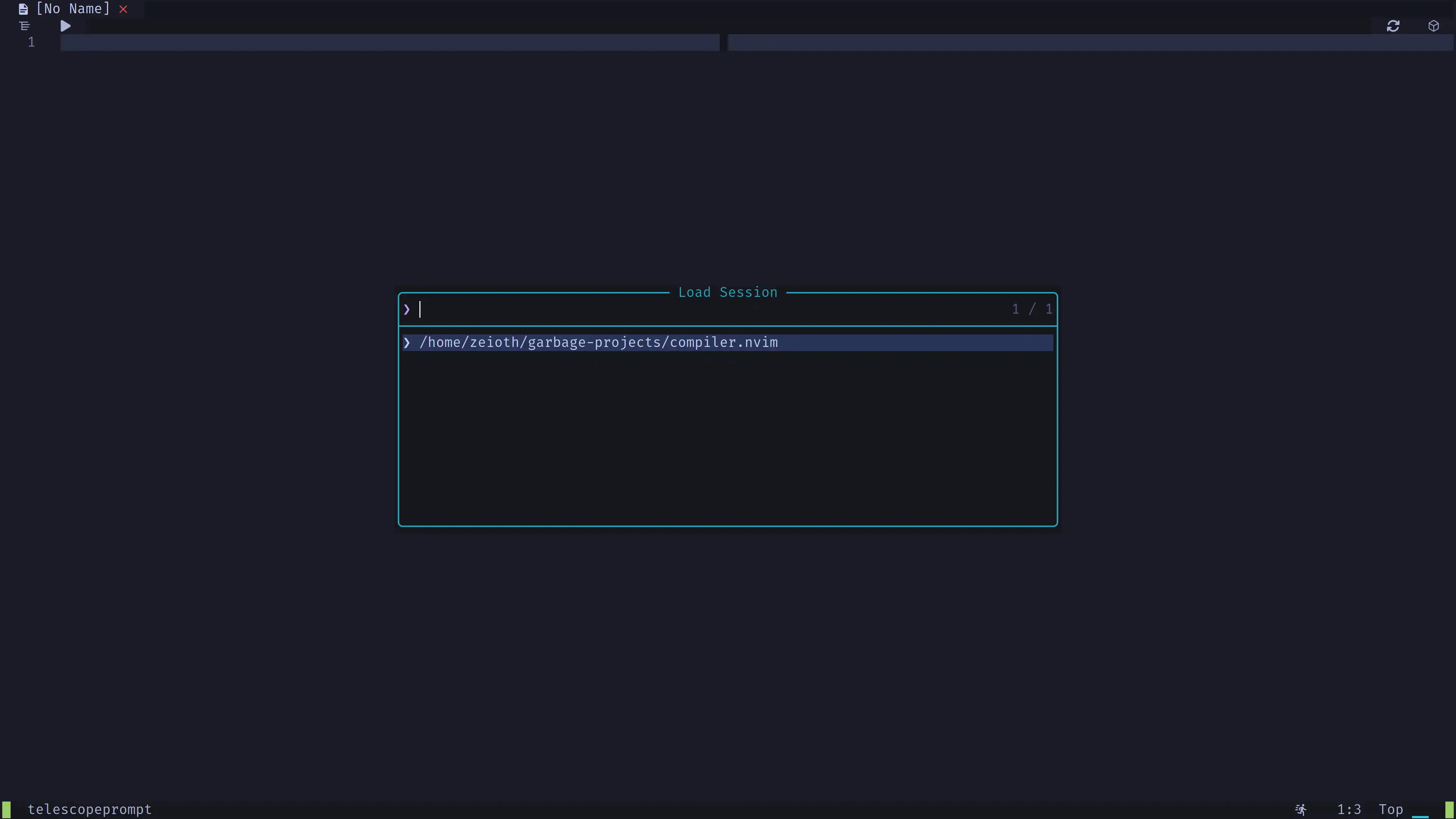
Provides a menu to save/load Neovim sessions.
- To save the current session press
Space + S + s - To find a session to load press
Space + S + f
spectre
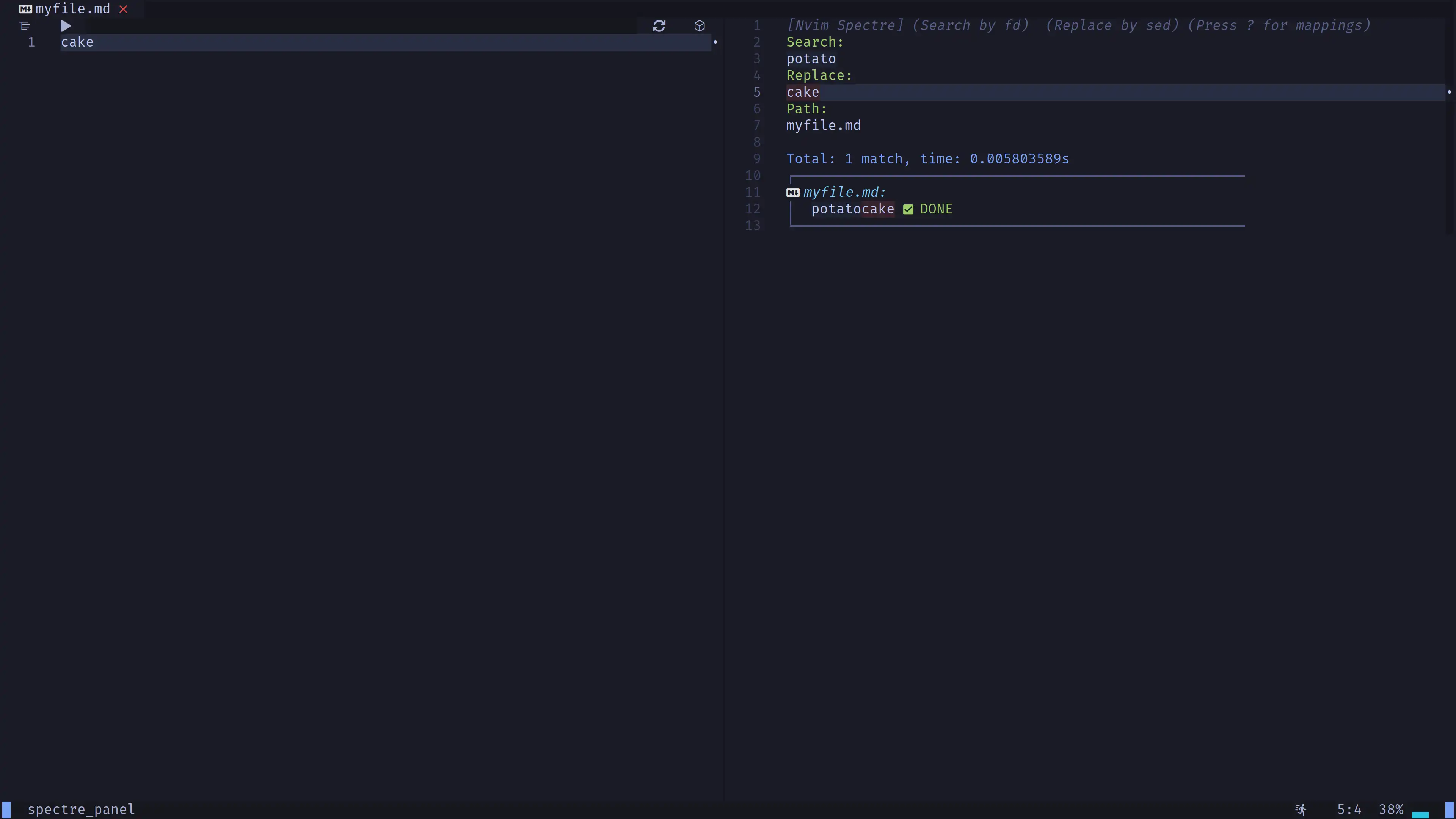
A search and replace panel for Neovim.
- Press
Space + f + bto search and replace in buffer. - Press
Space + f + rto search and replace in the current working directory recursively.
neo-tree
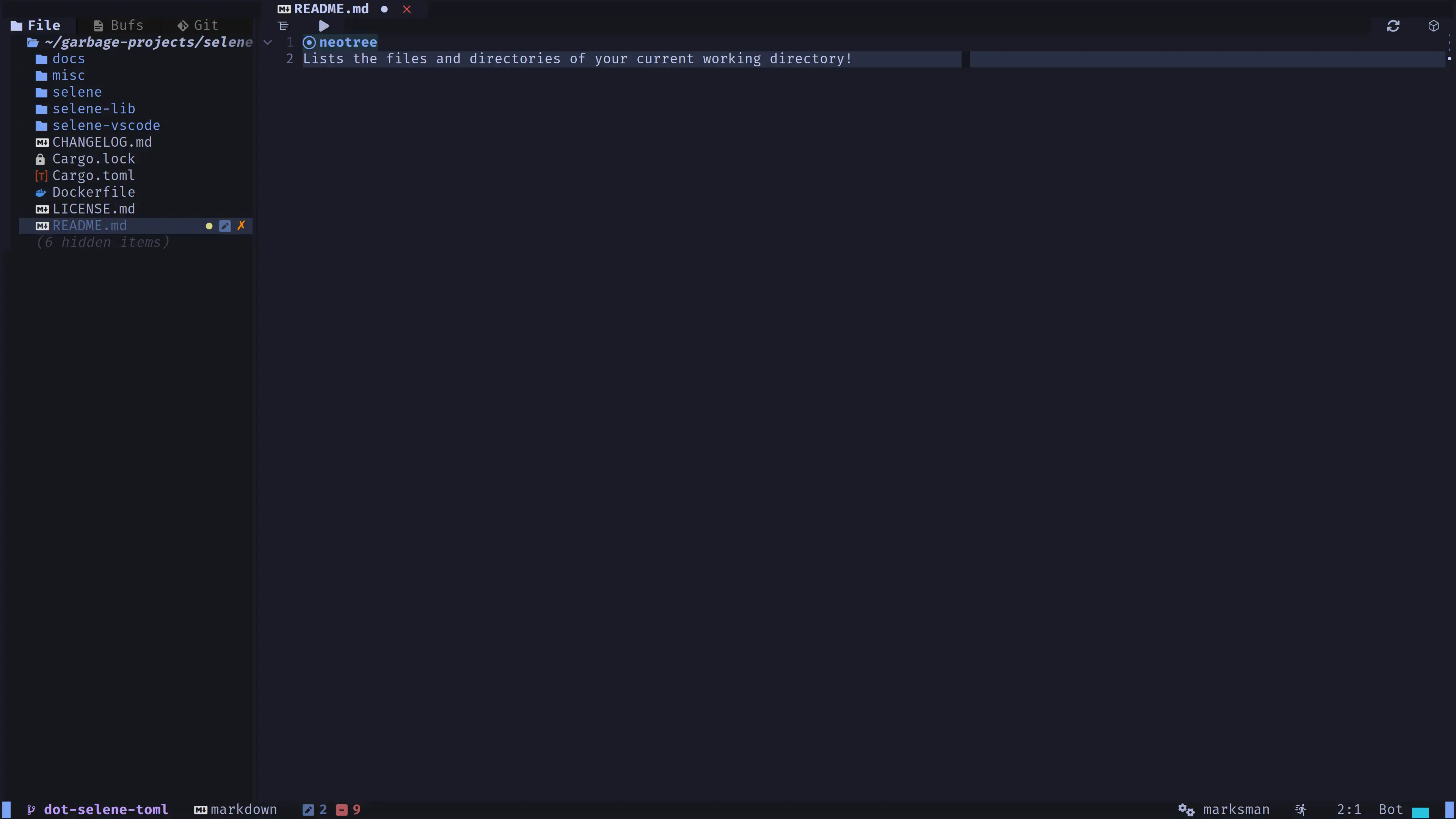
A project file tree viewer.
- Press
Space + eto toggle it.
nvim-ufo
Provides convenient folding functions we use in the key mappings.
nvim-neoclip
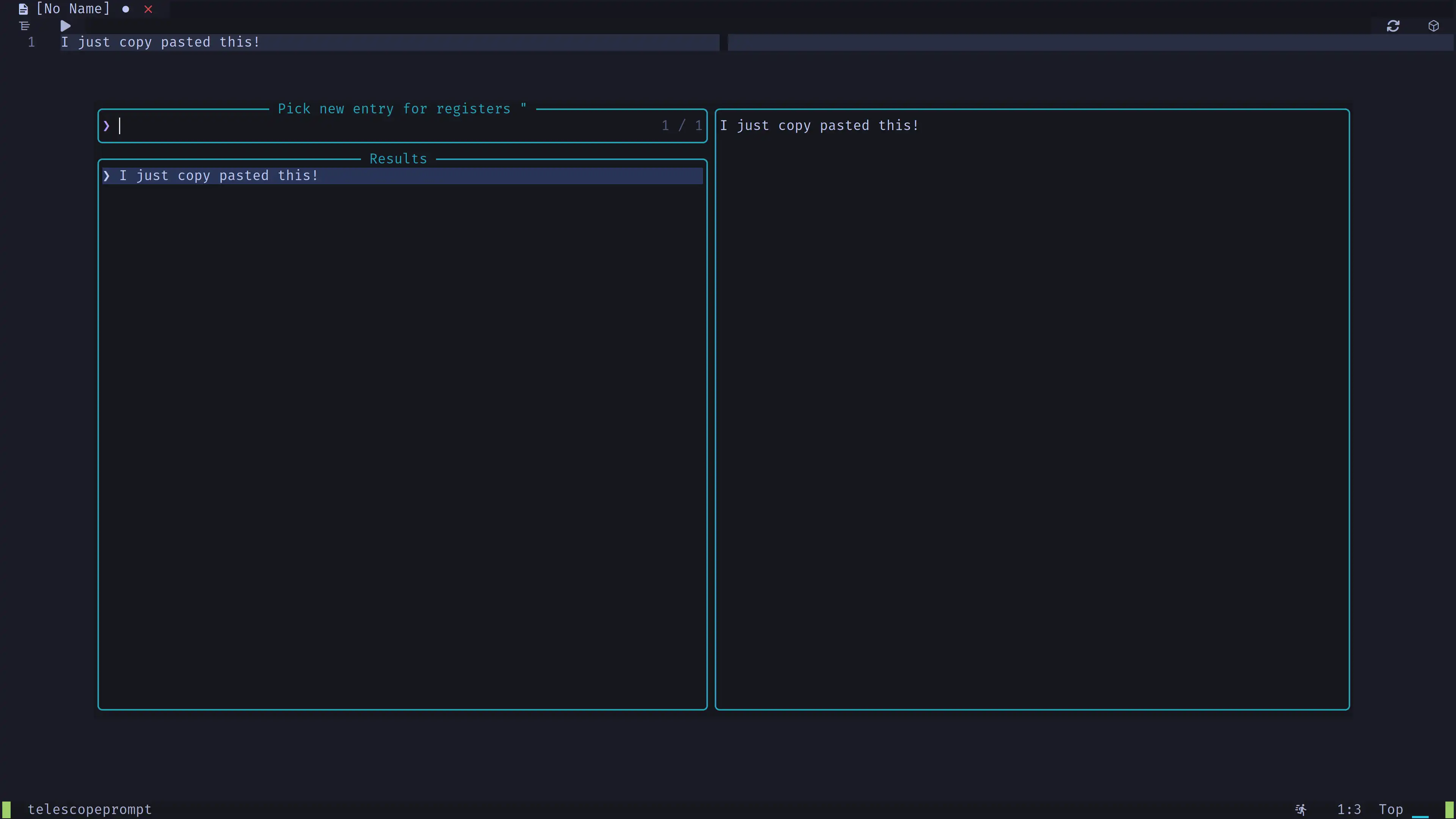
Clipboard manager Neovim plugin with Telescope integration.
- Press
Space + f + yto toggle it. - Press
Space + f + qto display your current neovim macros.
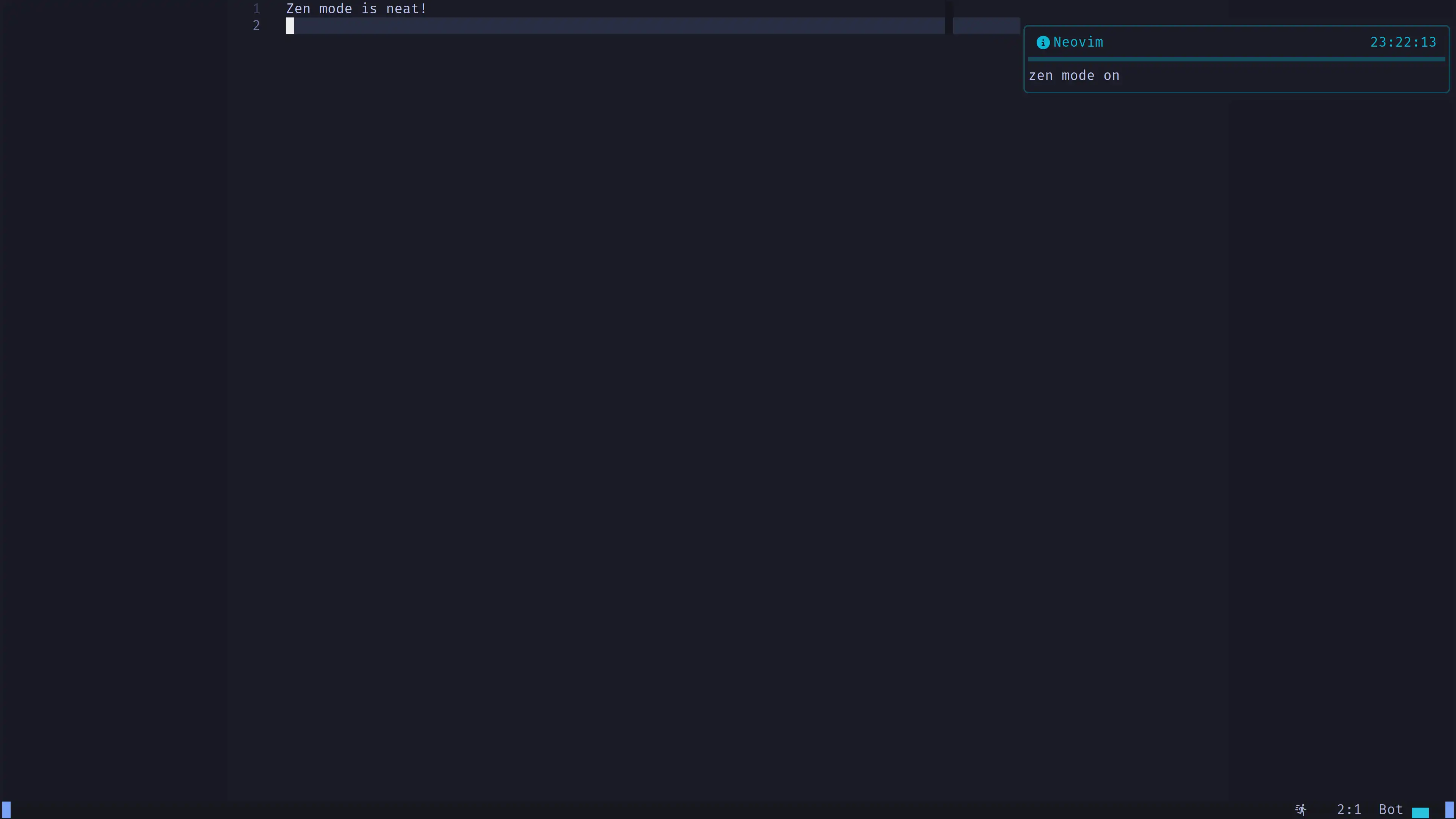
zen-mode
Distraction-free mode.
- Press
Space + u + zto toggle it.
vim-suda
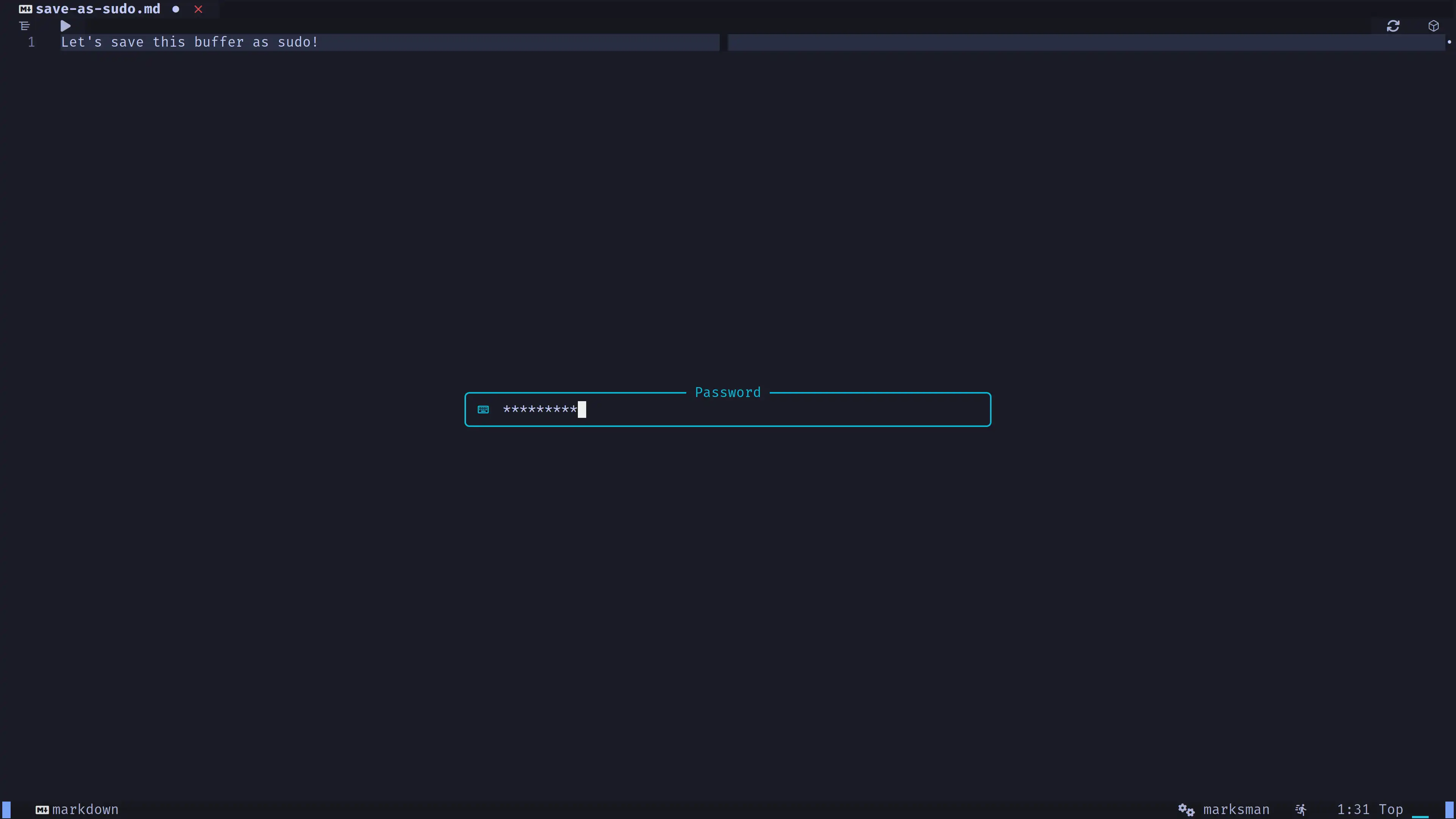
Allows writing a file with sudo permissions.
- Press
Space + Wto write a buffer as sudo.
vim-matchup
Improves the % motion to work over anything.
- Press
%over[],(),{},'',"", function names, orforloops.
hop
Moves the cursor to any point of the visible screen.
- Press
Enterin normal mode to move the cursor to the point on the screen you want. Then complete the key secuence to go to that point of the screen.
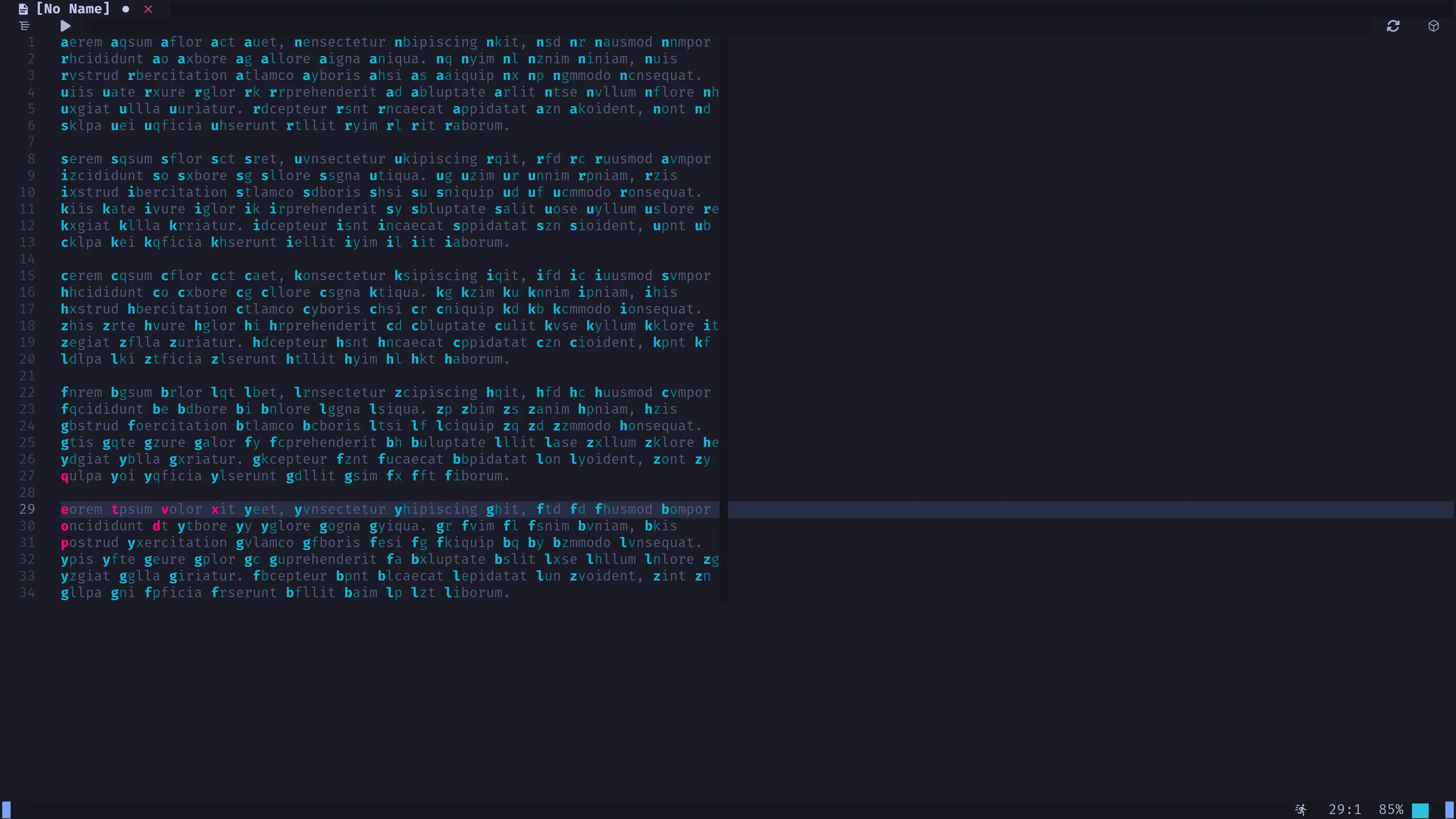
Hint: If you need to use ENTER while HOP is displaying, press,
SHIFT+ENTER.
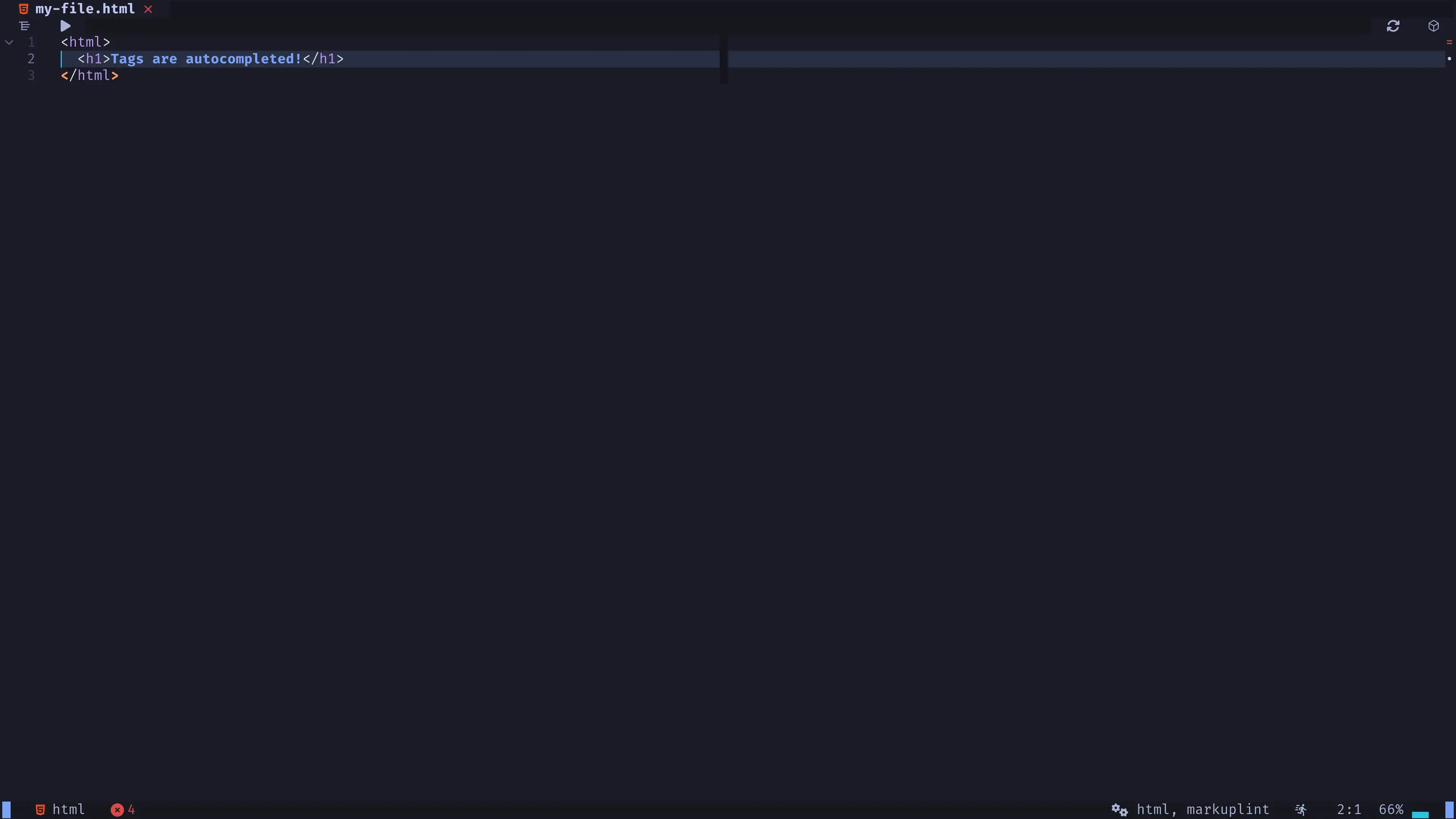
nvim-ts-autotag
Adds HTML support to nvim-autopairs.
nvim-autopairs
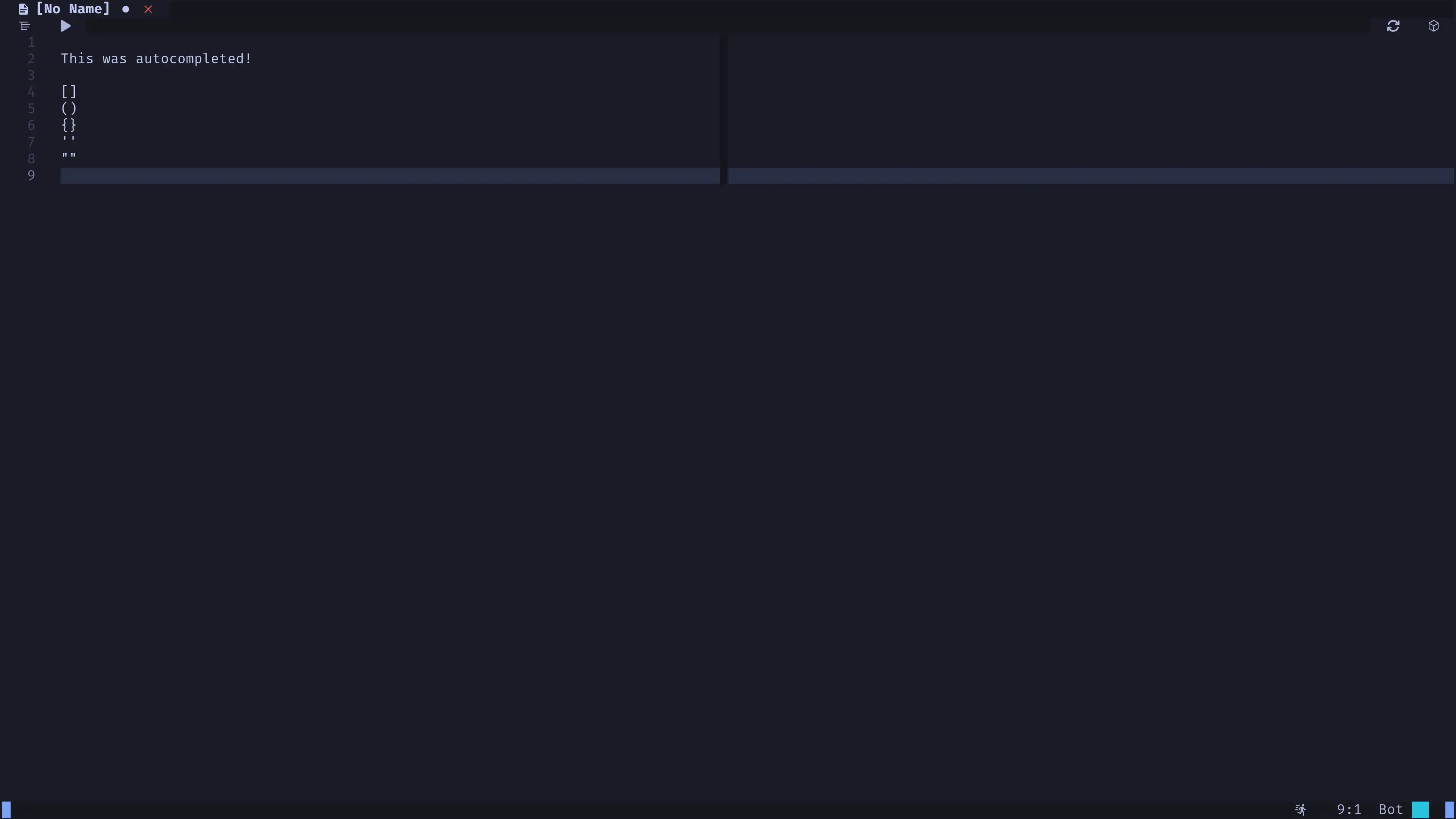
Autocompletes [], (), {}, '', "".
- This feature is disabled by default. You can enable it in
base/1-options.luaby settingvim.g.autopairs_enabled = true.
lsp-signature
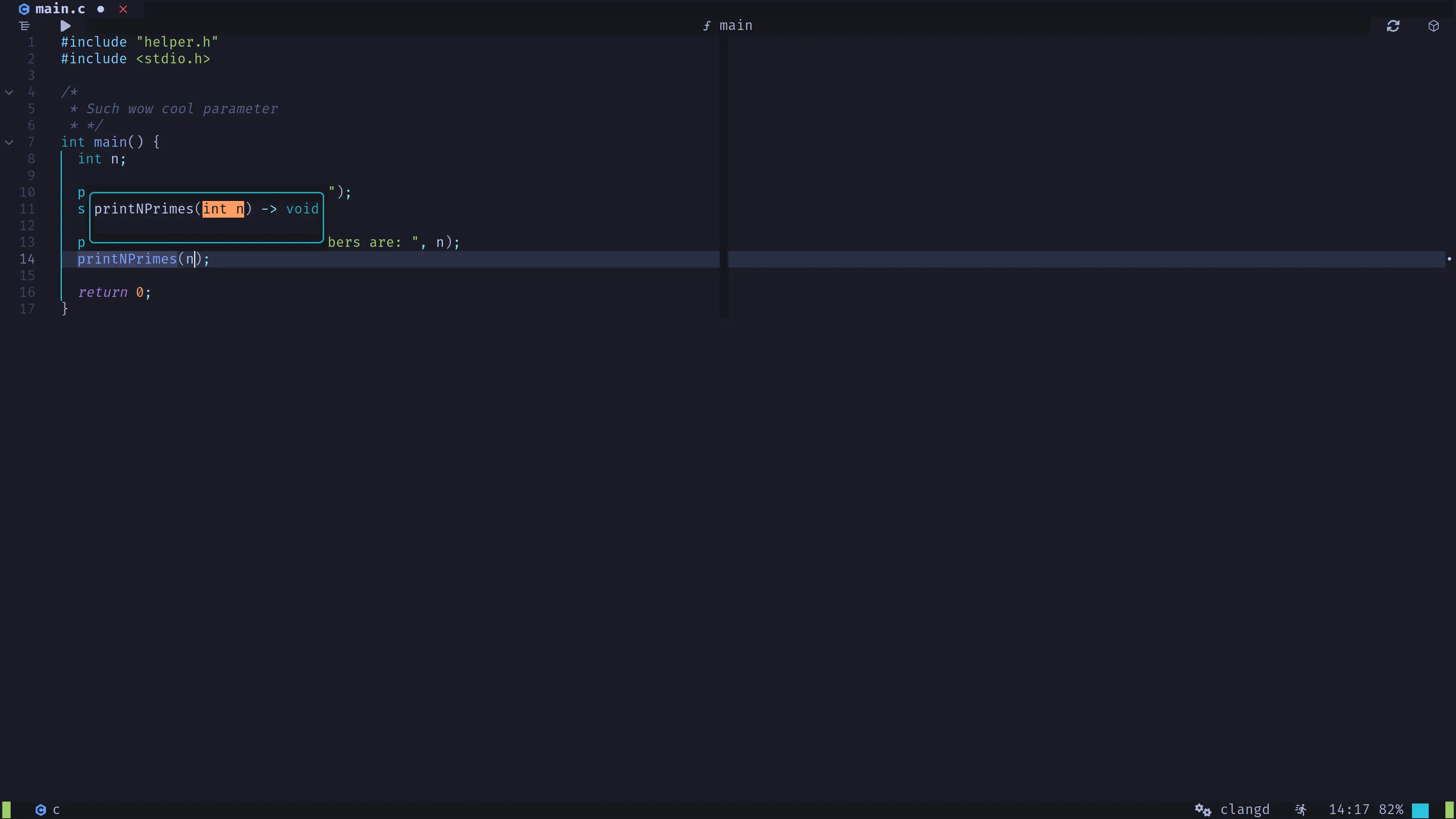
Shows code documentation as you write functions parameters.
nvim-lightbulb
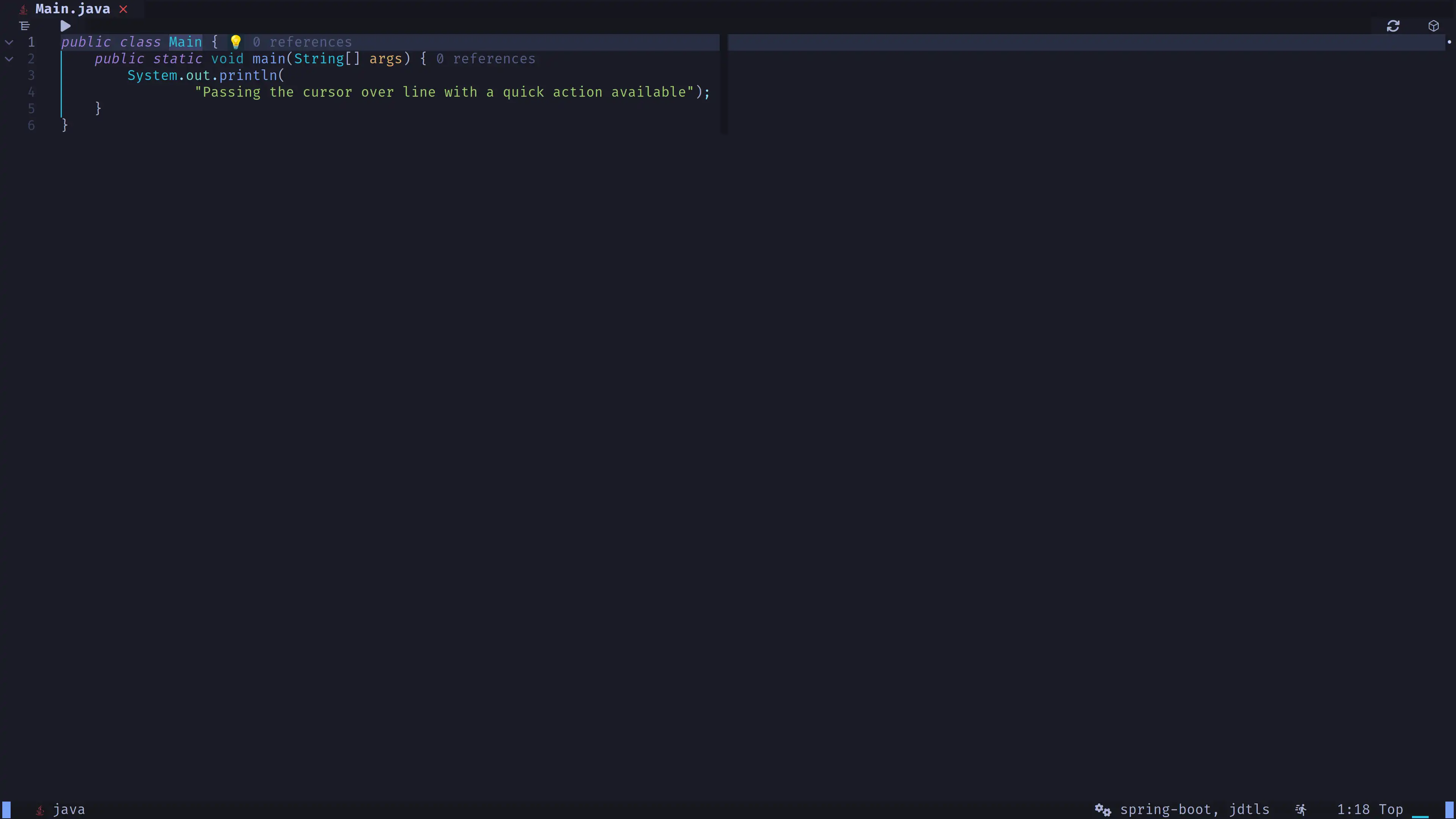
Shows a lightbulb under the cursor when a code action is available.
- You can use code actions with
Space + l + a
hot-reload
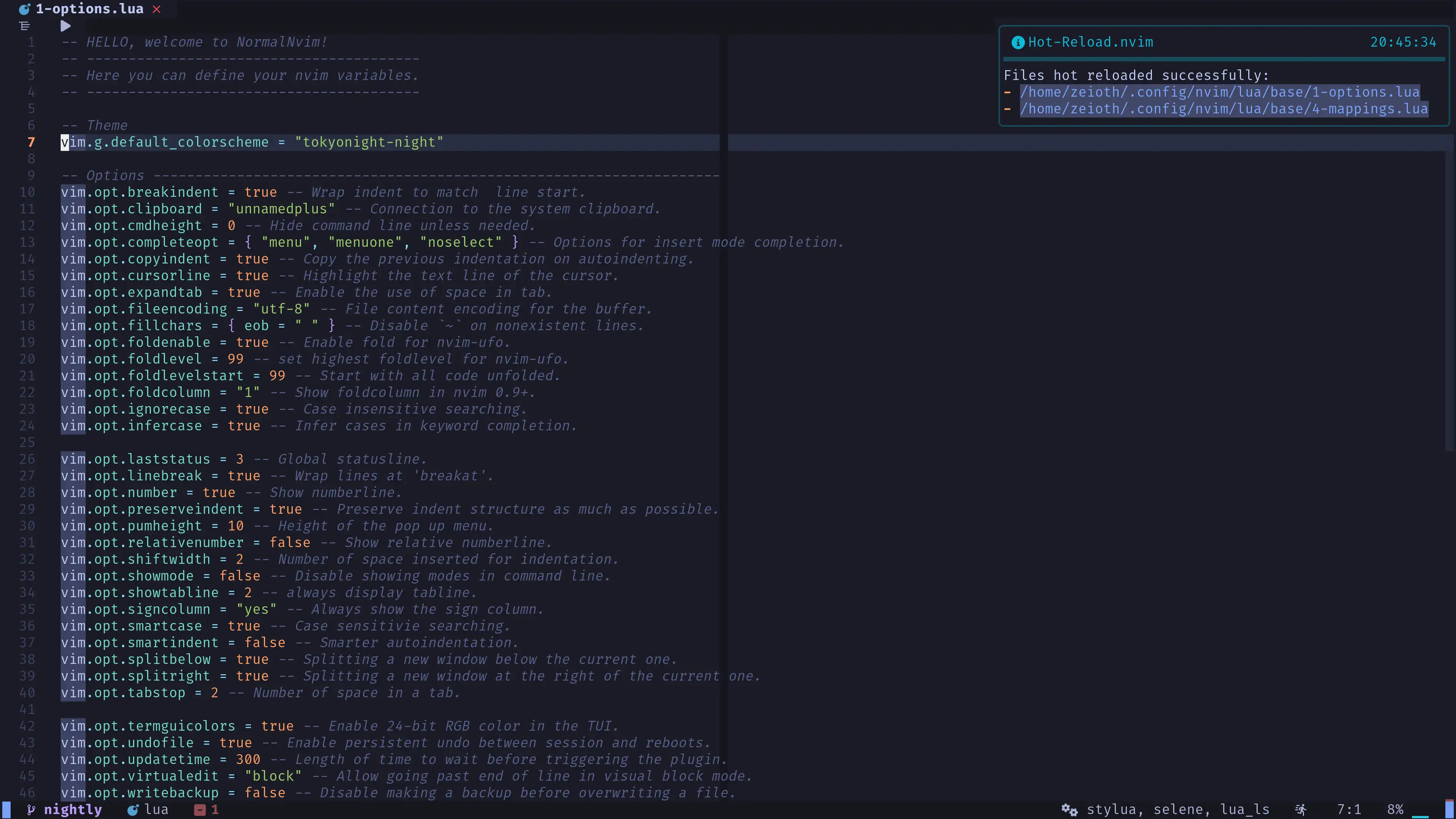
Reload your neovim config on the fly! It works with any lua file.
distroupdate
Provides commands to update the distro from the current git remote origin of your Neovim config directory.