4-dev.lua
Plugins you actively use for coding.
List of plugins
- luasnip
SNIPPETS - friendly-snippets
SNIPPETS - gitsigns
GIT - fugitive
GIT - aerial
ANALIZER - litee-calltree
ANALIZER - dooku
CODE DOCUMENTATION - markdown-preview
CODE DOCUMENTATION - markmap
CODE DOCUMENTATION - neural
ARTIFICIAL INTELLIGENCE - copilot
ARTIFICIAL INTELLIGENCE - guess-indent
ARTIFICIAL INTELLIGENCE - compiler
COMPILER - overseer
COMPILER - nvim-dap
DEBUGGER - neotest
TESTING - nvim-coverage
TESTING - guttentags-plus
LANGUAGE IMPROVEMENTS
luasnip
The snippet engine we use.
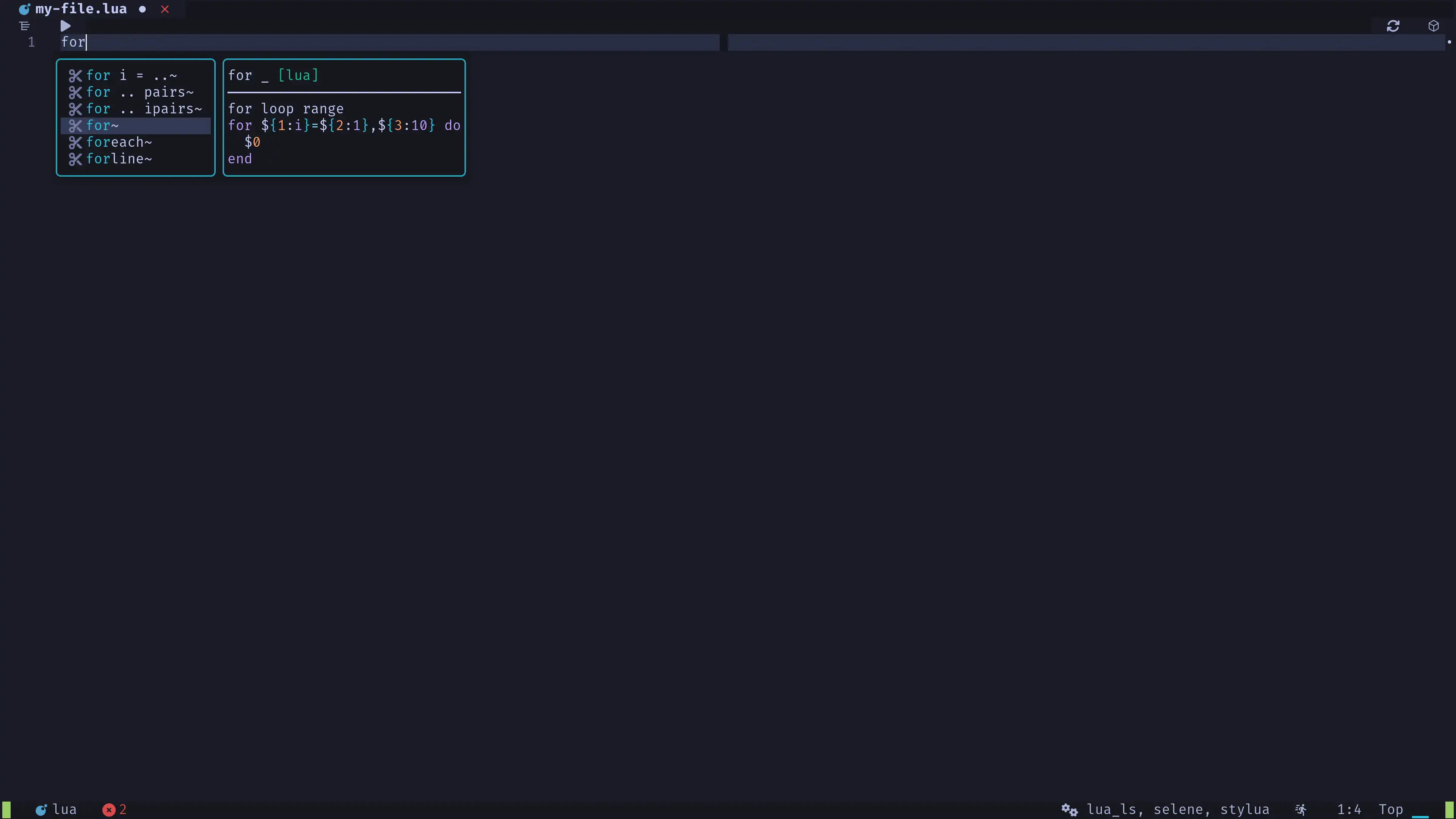
friendly-snippets
Collection of snippets we pass to luasnip.
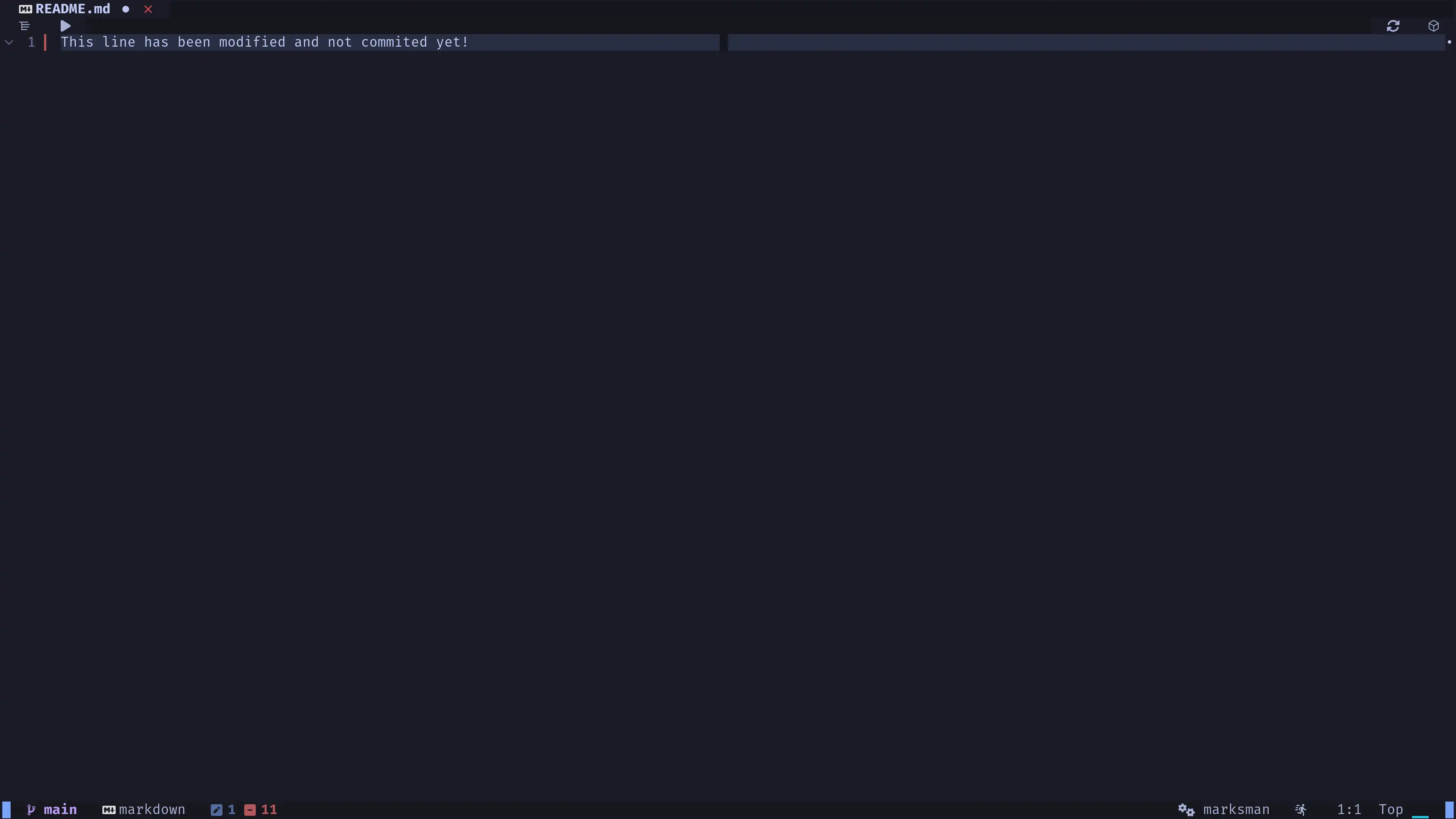
gitsigns
Display git hunks on modified uncommited lines.
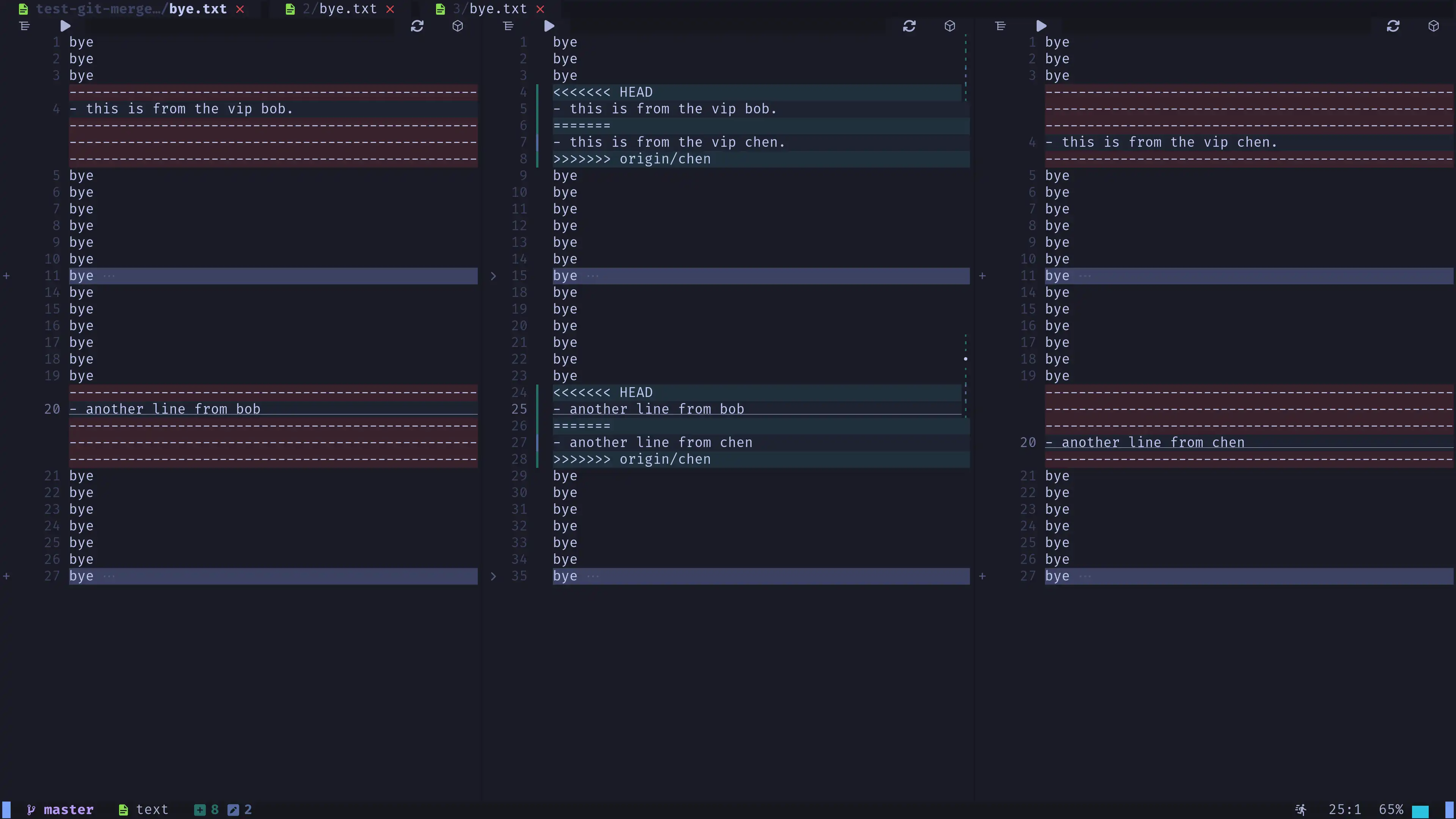
fugitive
Git commands for Neovim and mergetool support.
Hint: Check the plugin config to learn how to enable
git mergetool.
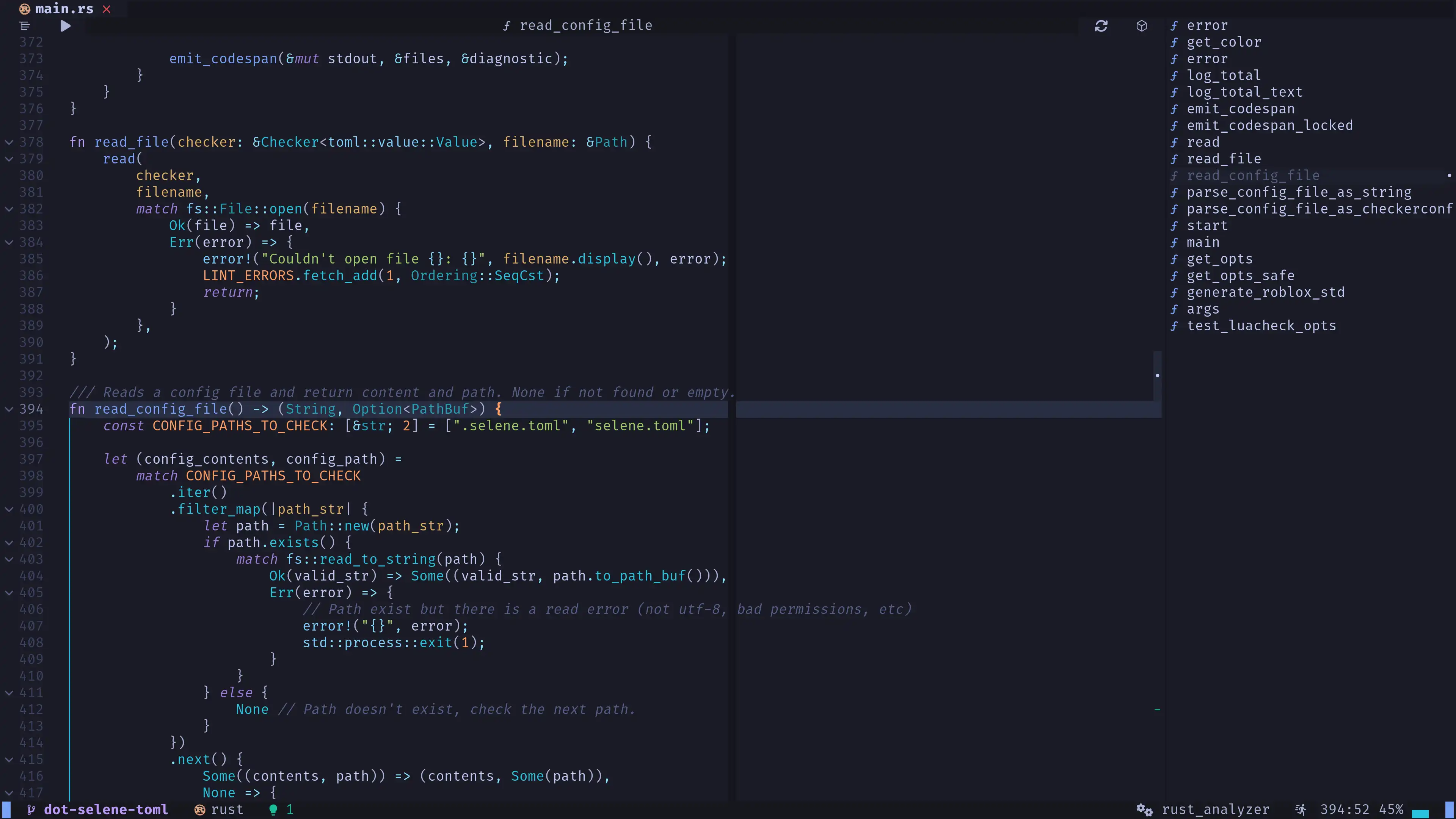
aerial
Symbols tree to quickly analize the code structure of your file. By default we only display functions.
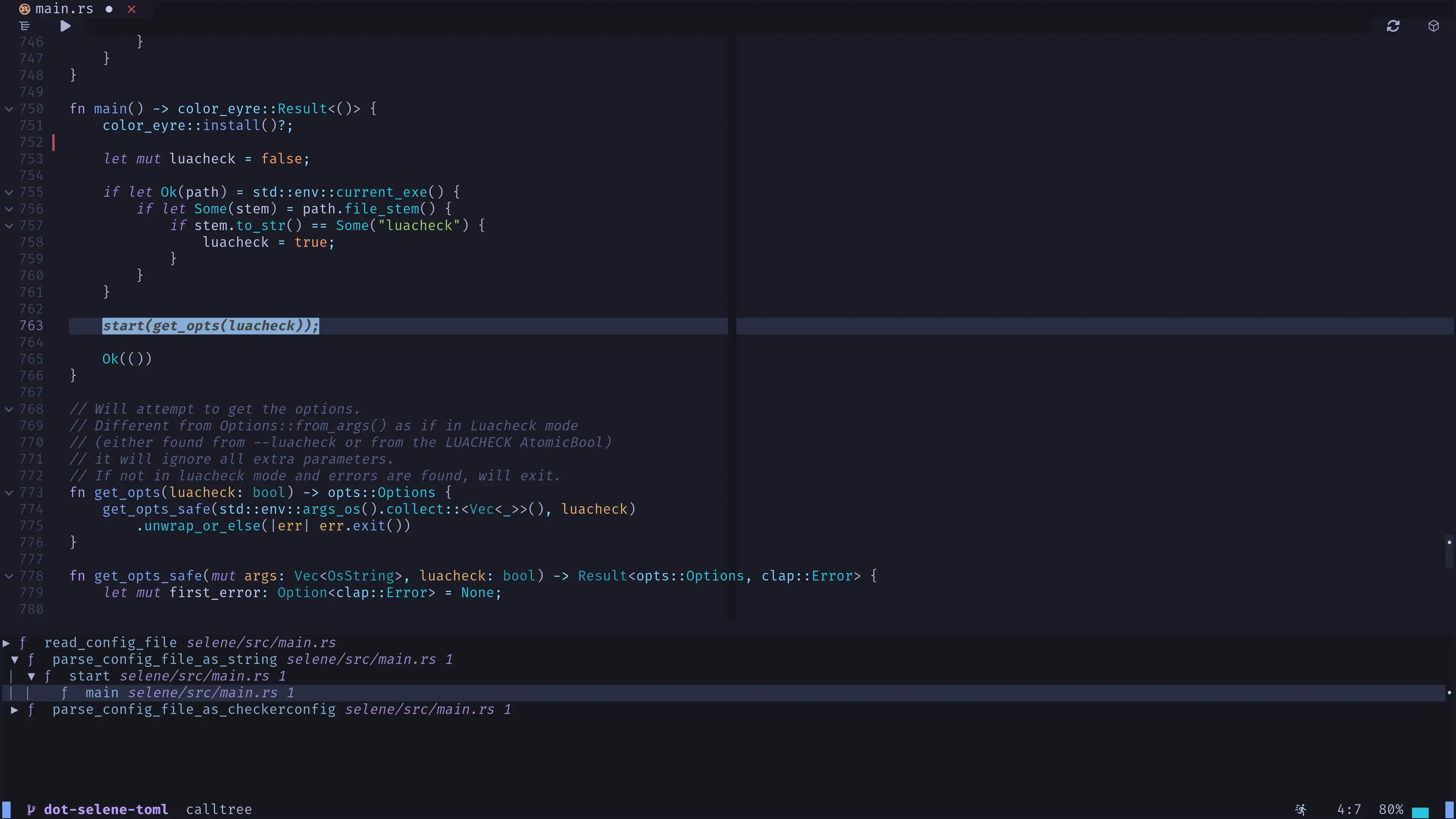
litee-calltree
Calltree viewer to inspect the call order of functions without the need to use the debugger or execute the program.
- Press
g + jto open the call tree. - Press
qto close it.
dooku
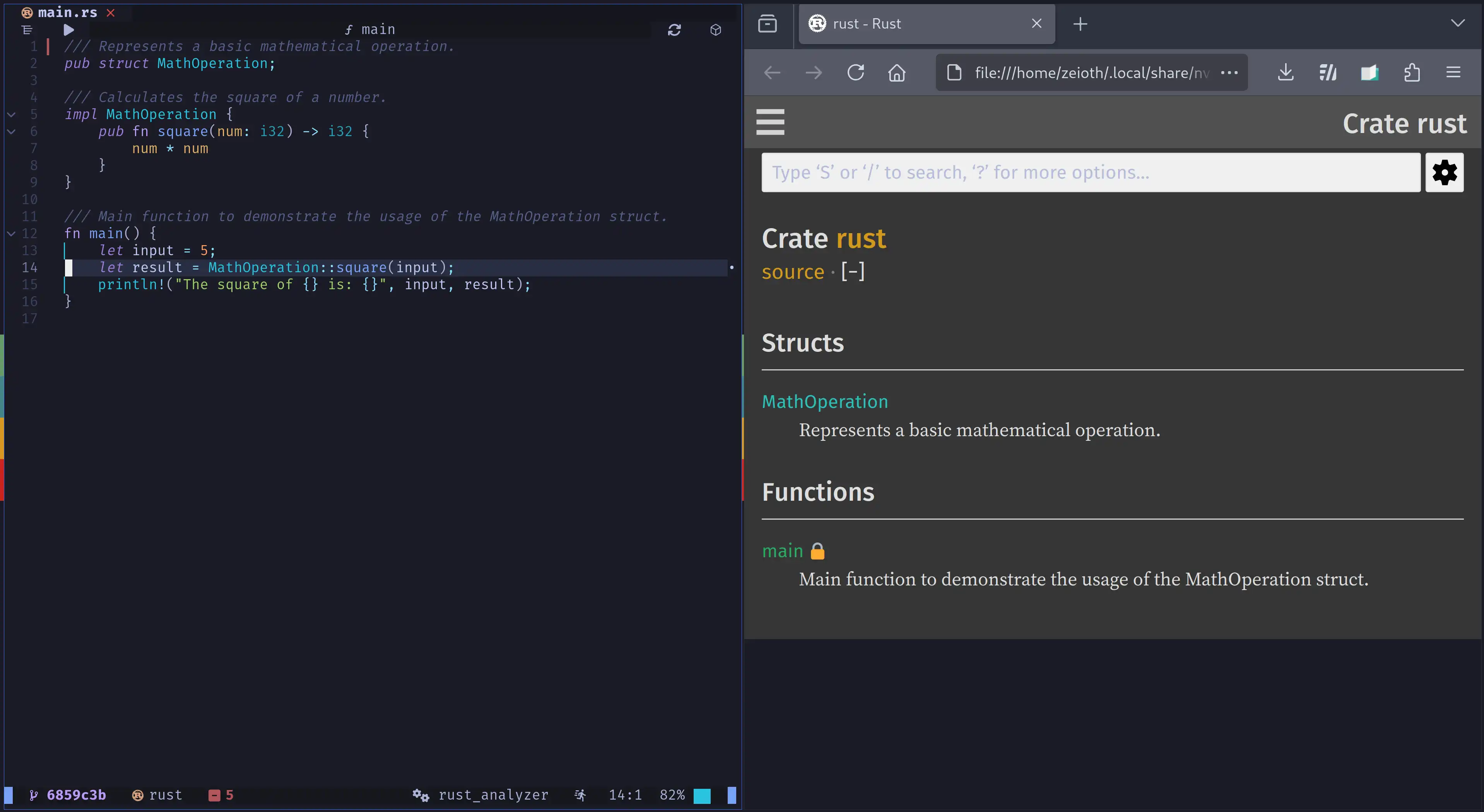
HTML documentation generator.
- Press
<Space> + D + dthree times to automatically setup, generate, and open your project documentation, respectively.
markdown-preview
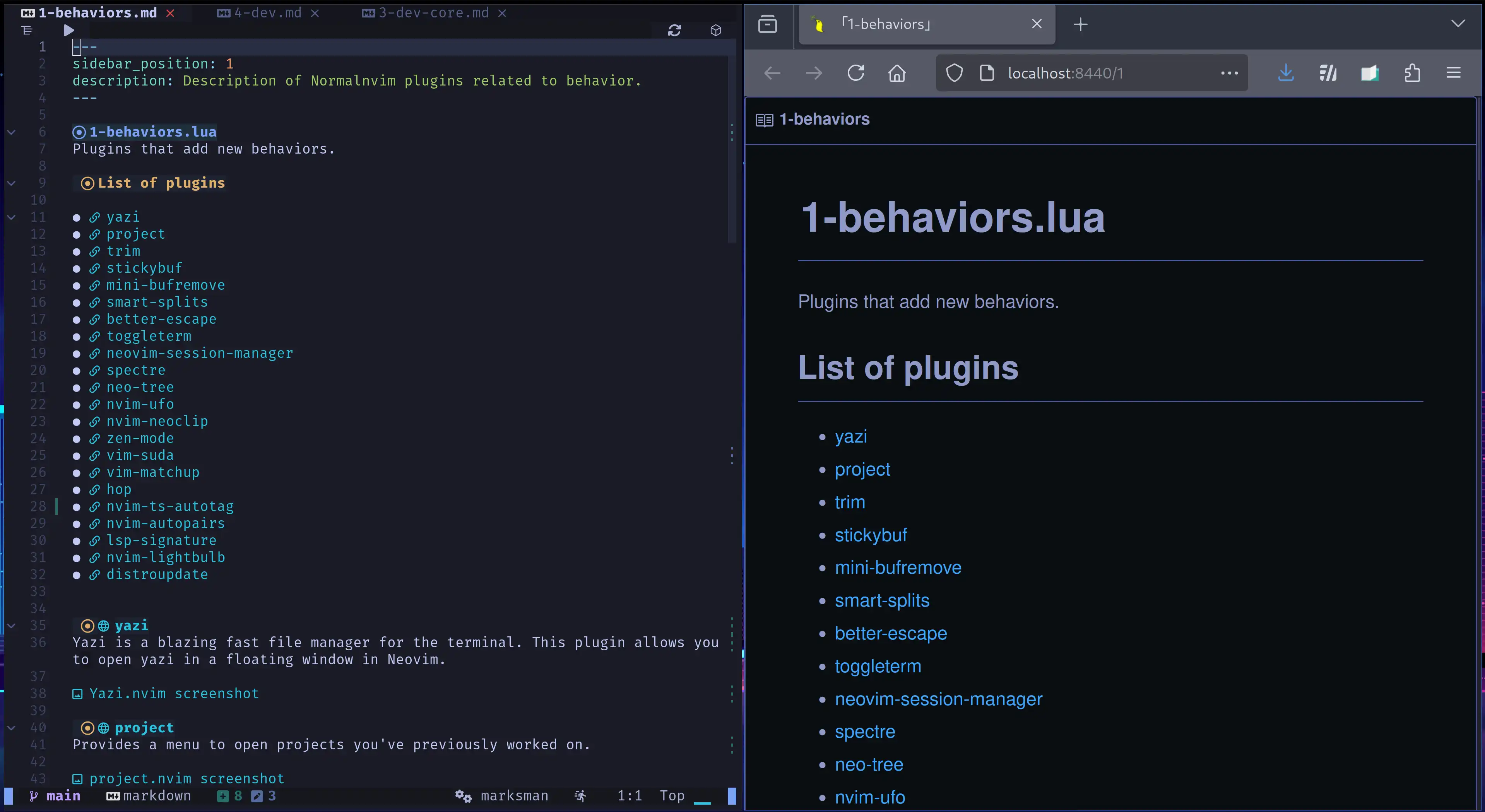
Preview markdown as HTML in your internet browser.
- Press
<Space> + D + pto preview your markdown file.
markmap
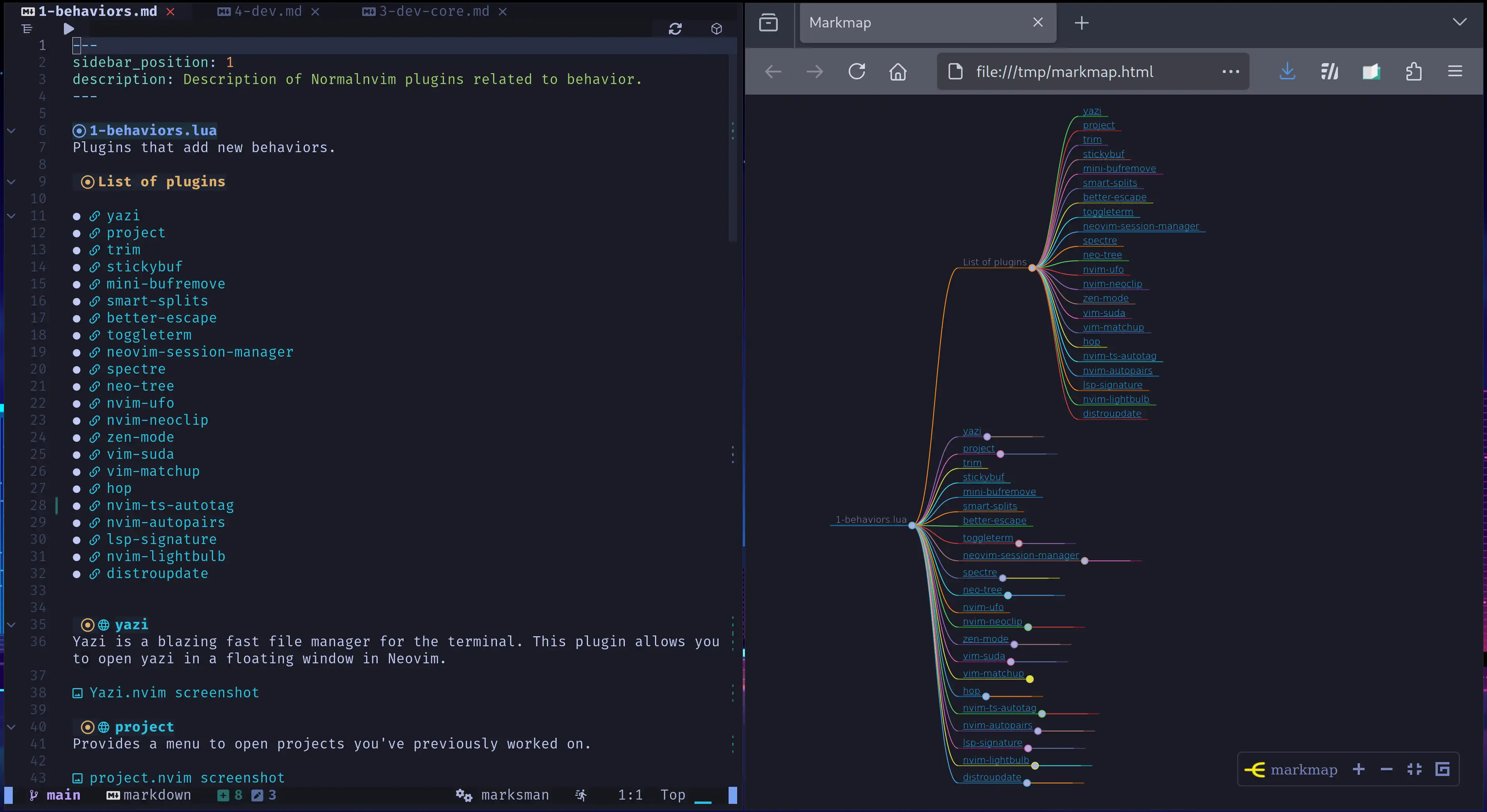
Preview markdown as HTML mental map in your internet browser.
neural
ChatGPT code generator.
- Press
<Space> + atoAsk ChatGPT.
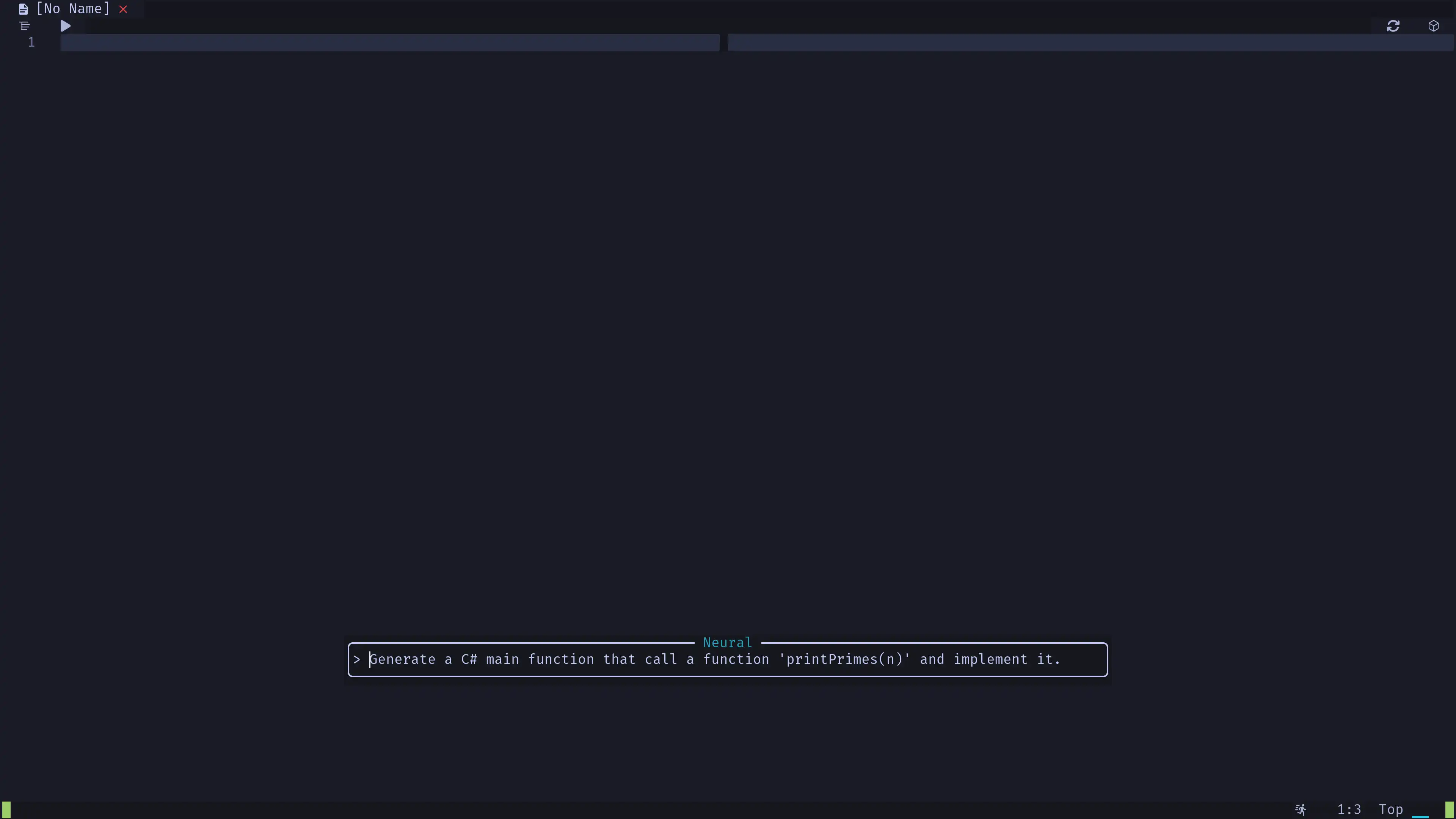
Hint: To use neural, you must first set this next env var on your operative system.
OPENAI_API_KEY="my_key_here"
You can find your API key in chatgpt's website.
copilot
Write to get AI suggestion for your code.
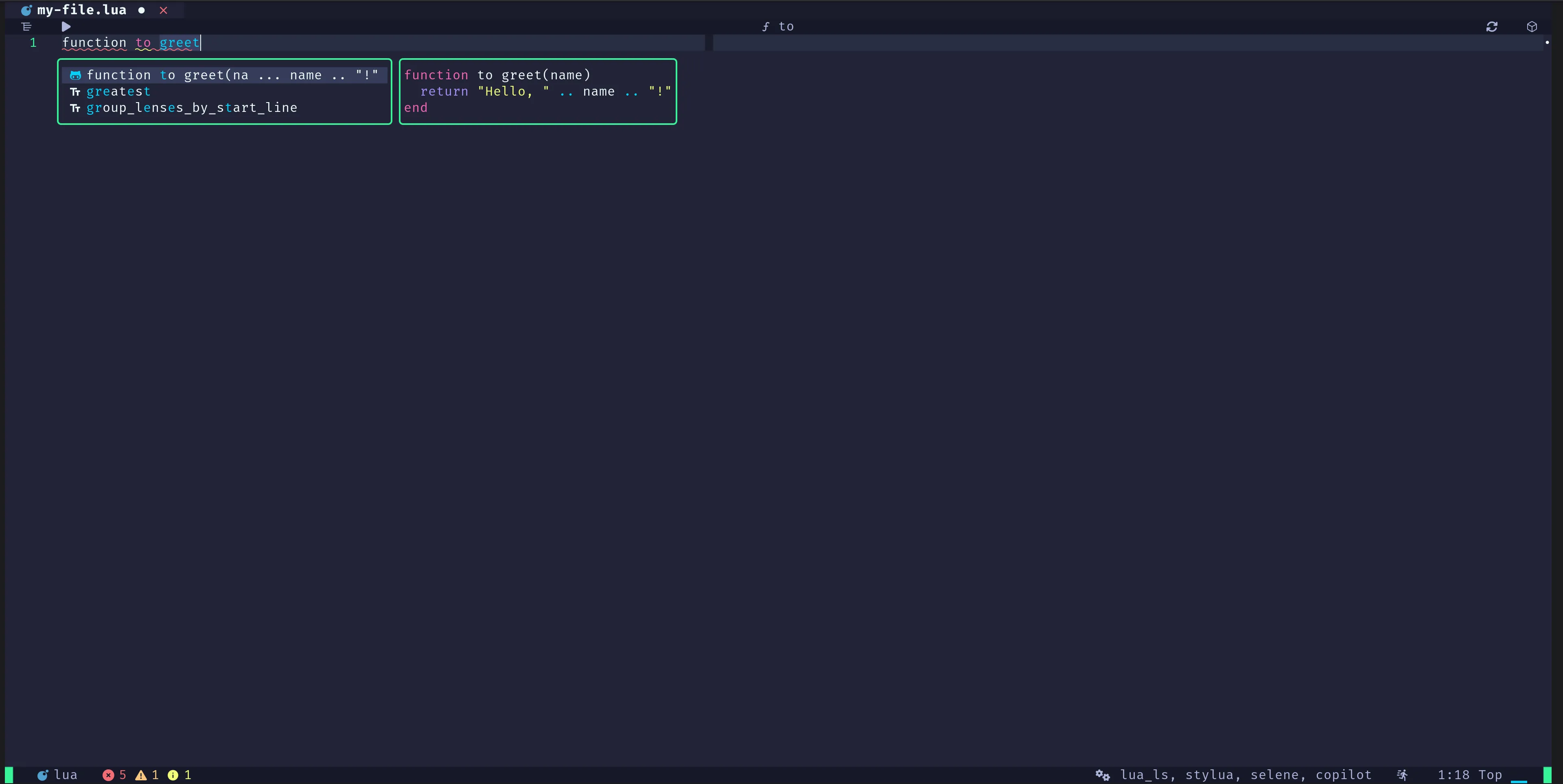
Hint: To use copilot, you must first login with
:Copilot auth. This will open a page in your internet browser so you can login using your GitHub account.
guess-indent
Automatically guesses and sets the correct indent level for files.
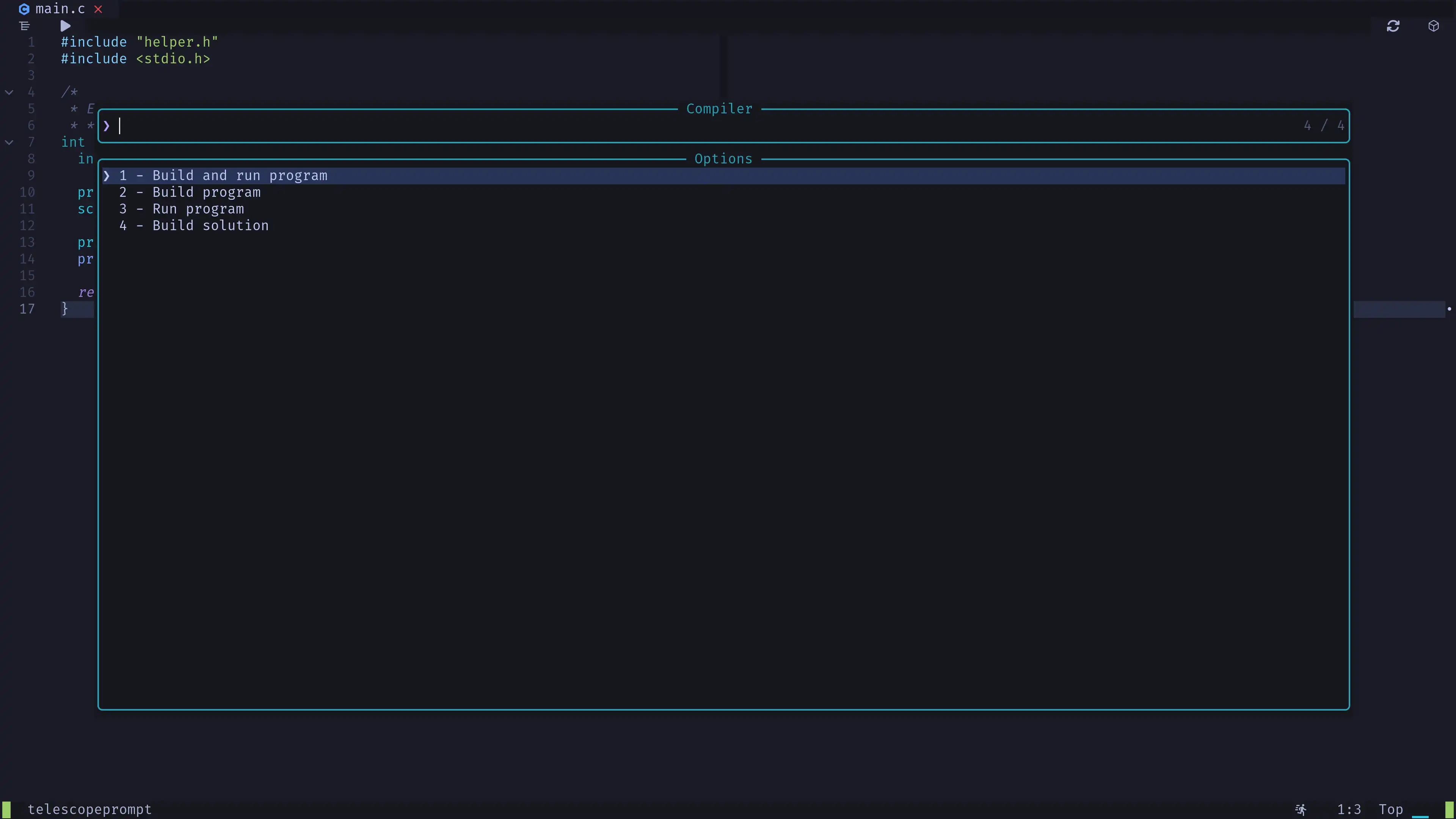
compiler
Compiler integration.
- Press
F6to open the compiler. - Press
Shift + F6to redo the last selected action.
overseer
The task runner compiler.nvim uses.
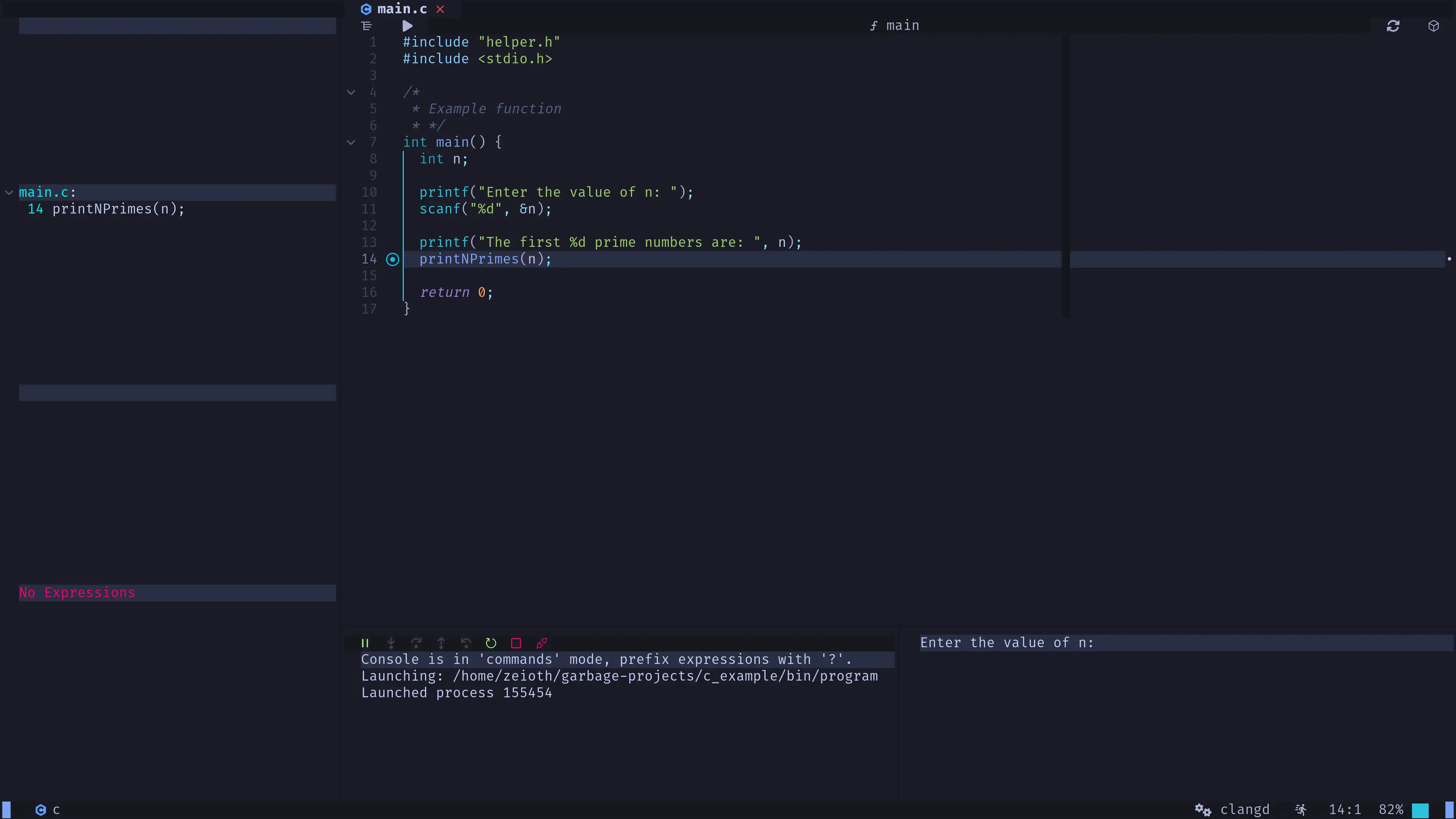
nvim-dap
A debugger for Neovim.
- Press
F9to toggle a breakpoint in the current line. - Press
F5to start the debugger. - See all debugger keymaps.
Hint: In some languages you might have to run the program before you are able to debug it.
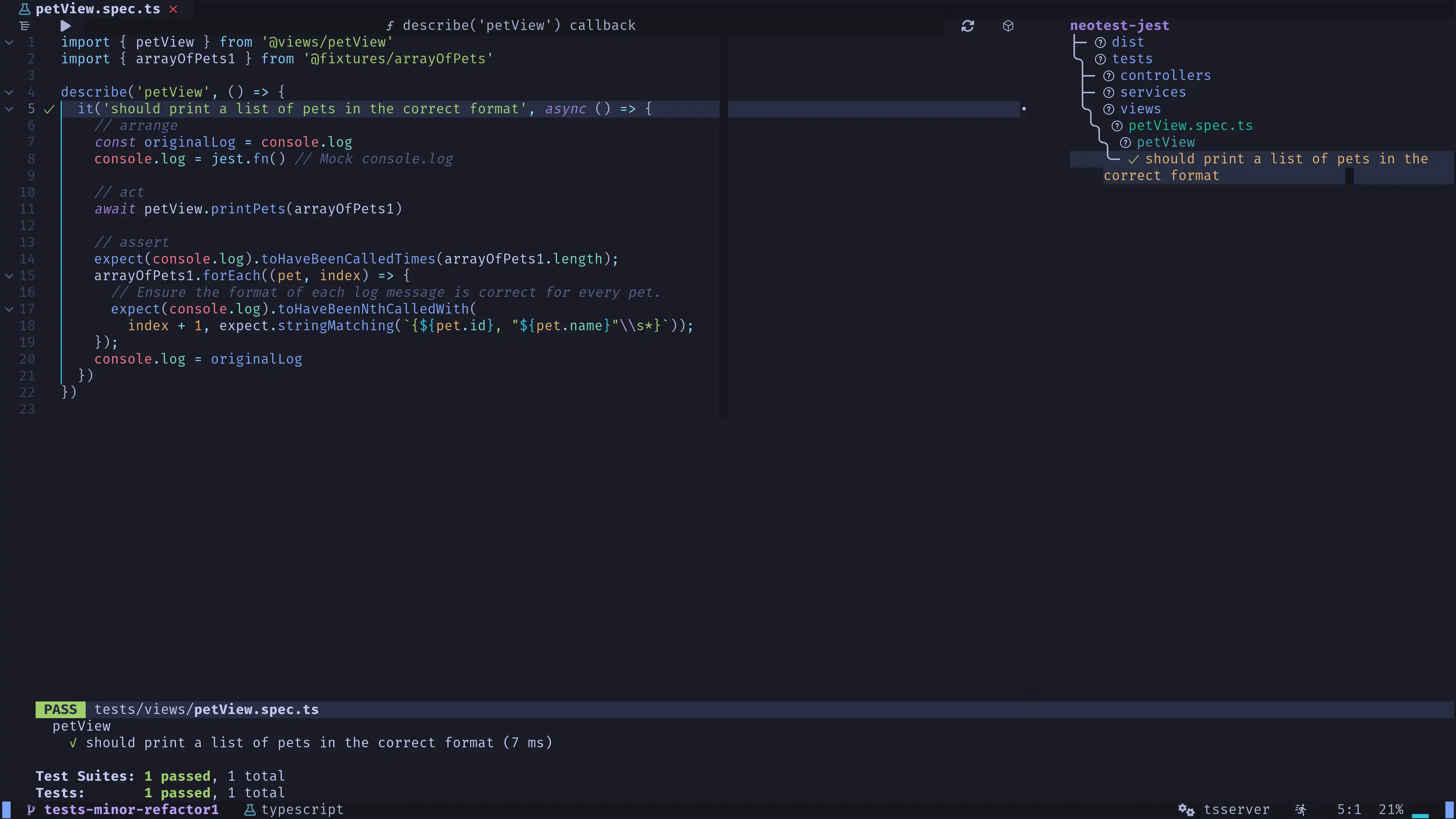
neotest
Unit testing for Neovim.
- Press
<Space> + T + uto run the unit test under the cursor. - Press
<Space> + T + tto open the right neotest summary. - Press
<Space> + T + Tto open the bottom resume output.
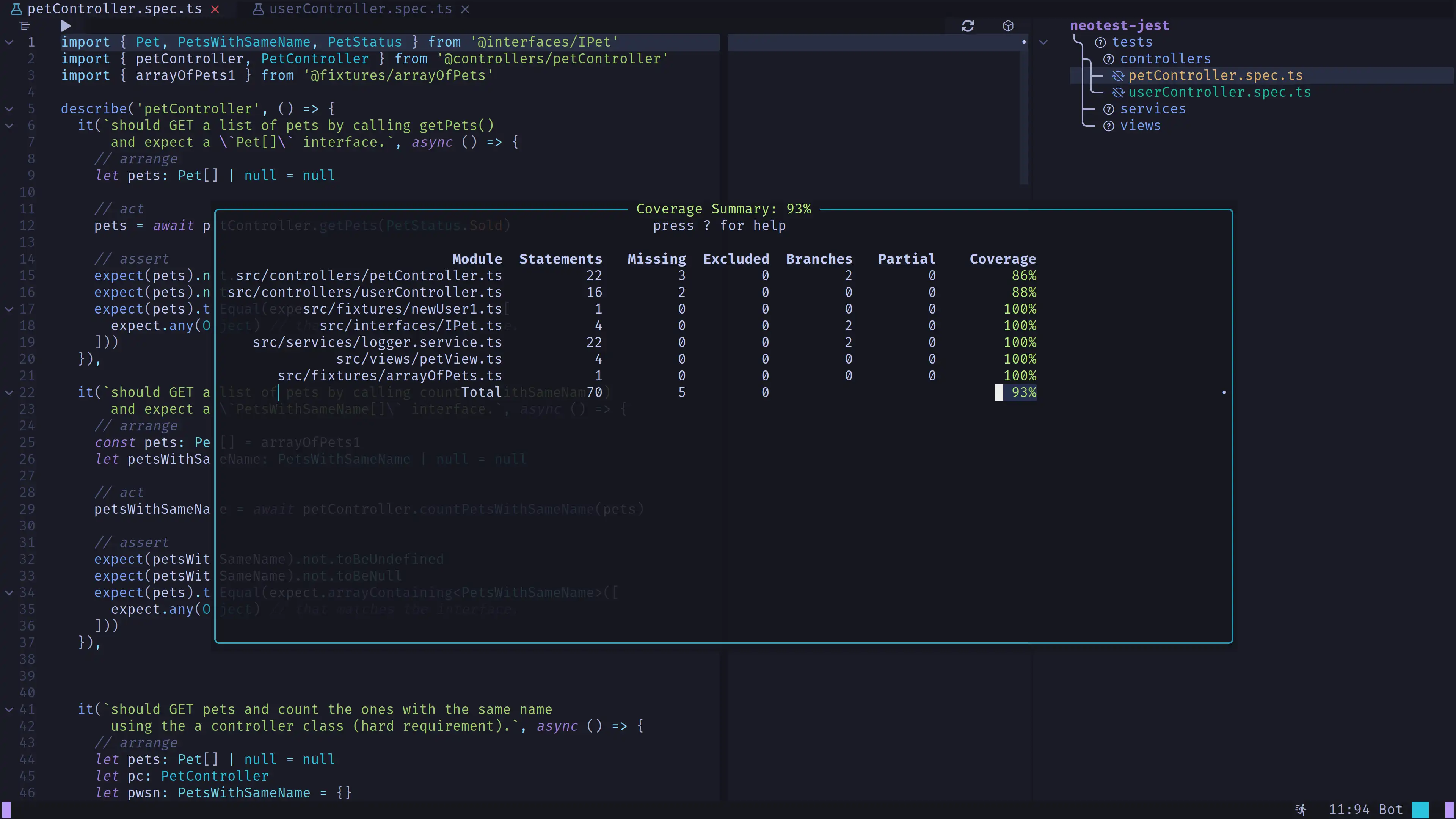
nvim-coverage
A code coverage plugin.
- Press
<Space> + T + cto open the code coverage resume. - Press
qto close it. - You can also press
<Space> + T + Cif you want to display the lines without coverage in the current file.
guttentags-plus
Necessary to enable g + d (go to definition) on all symbols of C/C++.