2-ui.lua
Plugins that make the user interface better.
List of plugins
- tokyonight
- astrotheme
- alpha
- nvim-notify
- mini-indentscope
- heirline
- telescope
- telescope-fzf-native
- dressing
- noice
- nvim-web-devicons
- lspkind
- nvim-scrollbar
- mini-animate
- highlight-undo
- which-key
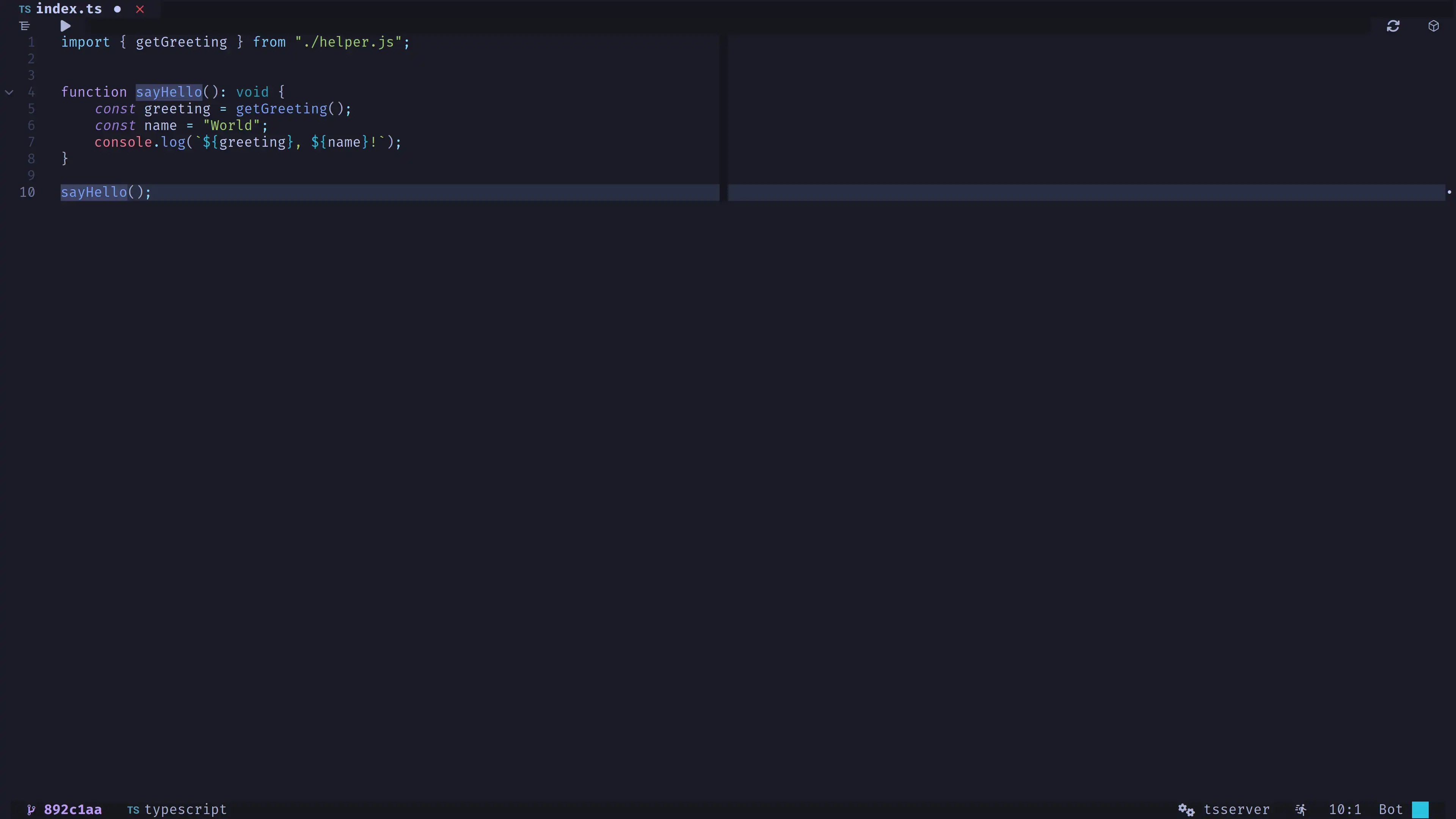
tokyonight
A clean, dark Neovim theme inspired by VS Tokyo Night.
- Press
Space + f + tto preview it.
astrotheme
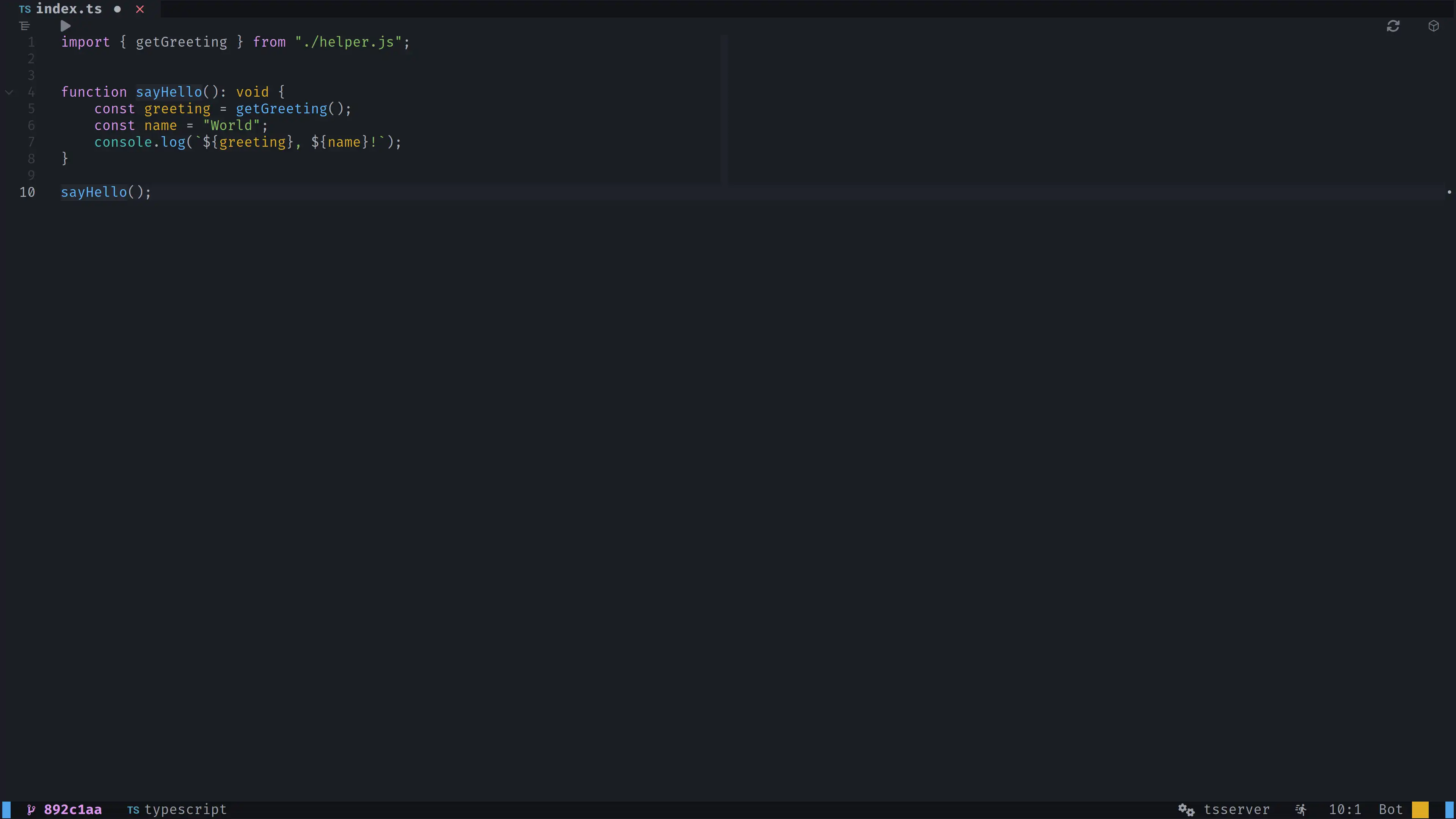
A minimal, dark Neovim theme.
- Press
Space + f + tto preview it.
alpha
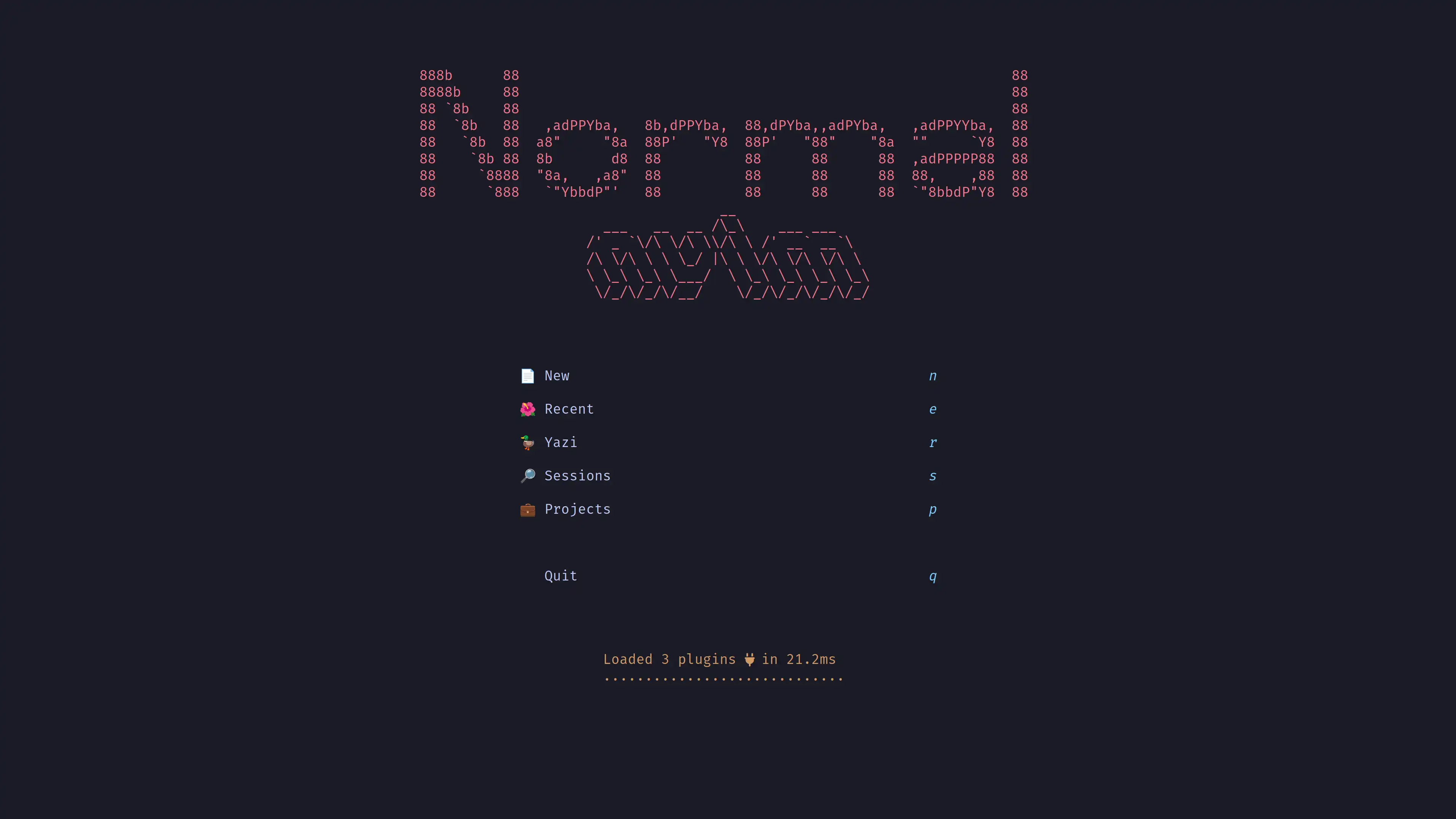
A fast and highly customizable greeter for Neovim.
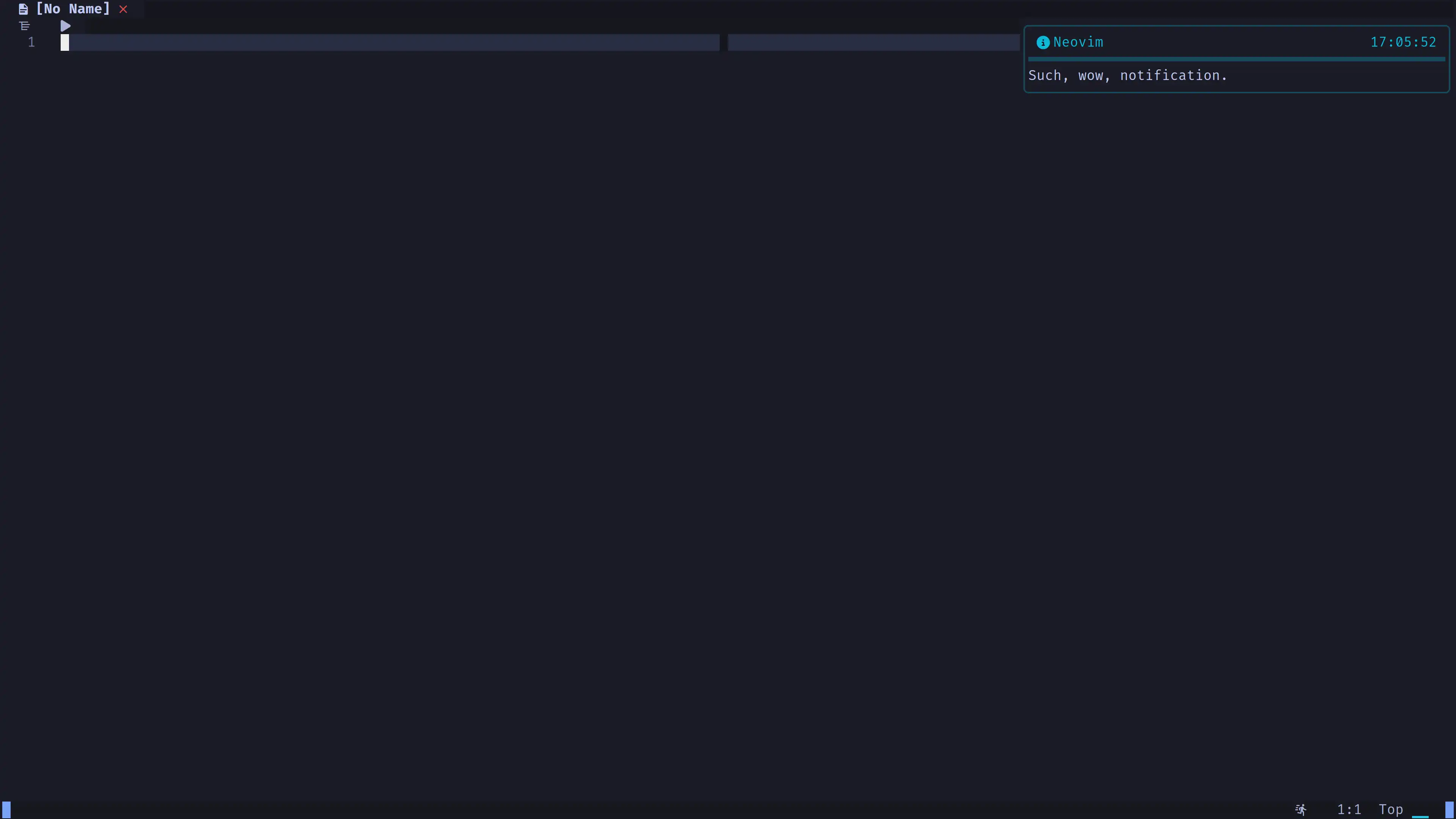
nvim-notify
A fancy, configurable notification manager for Neovim.
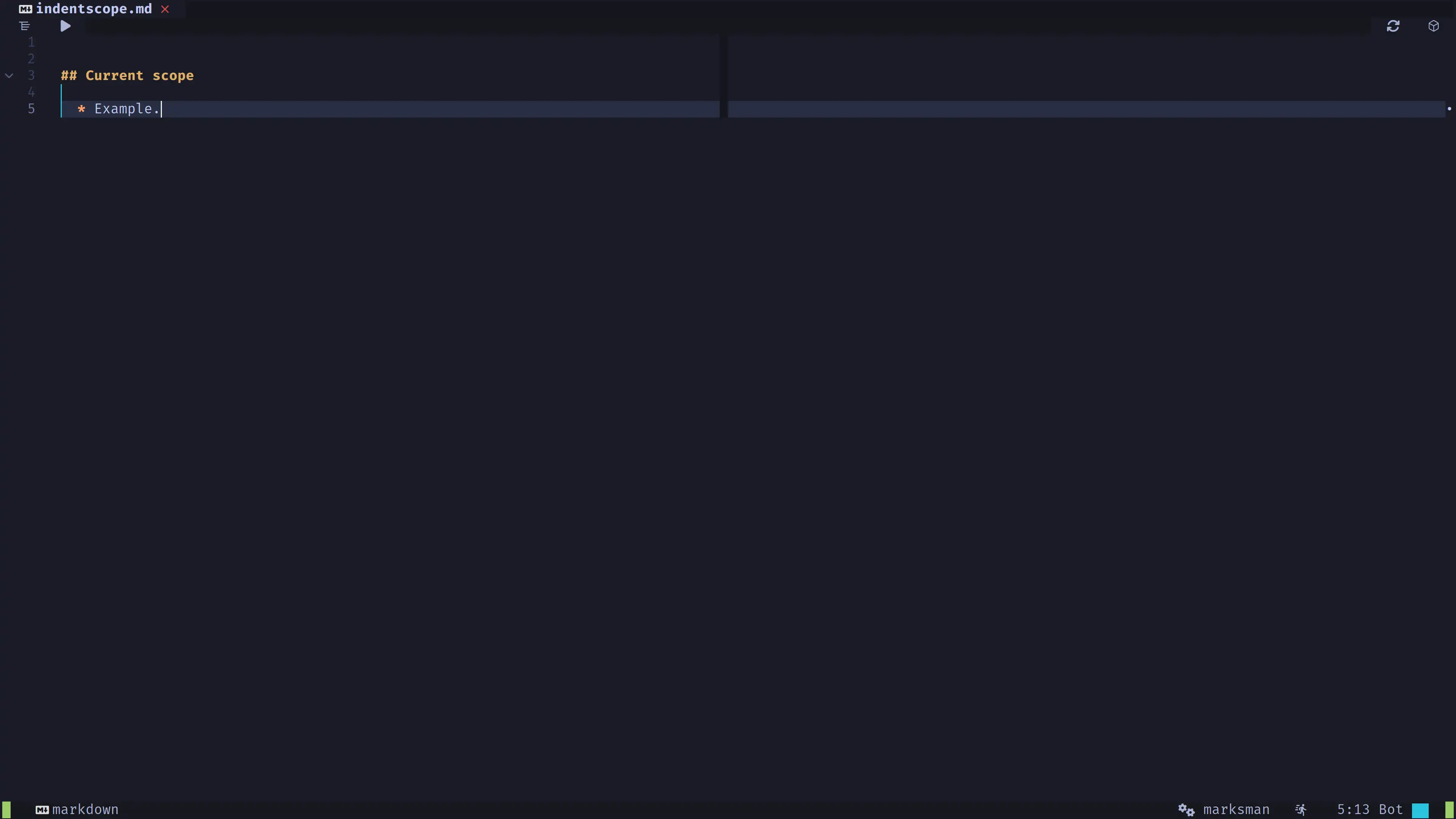
mini-indentscope
Display a vertical line between the brackets the cursor is currently inside of.
heirline
Plugin to customize the Neovim user interface.
heirline-components
Collection of visual components and behaviors to use in your heirline config.
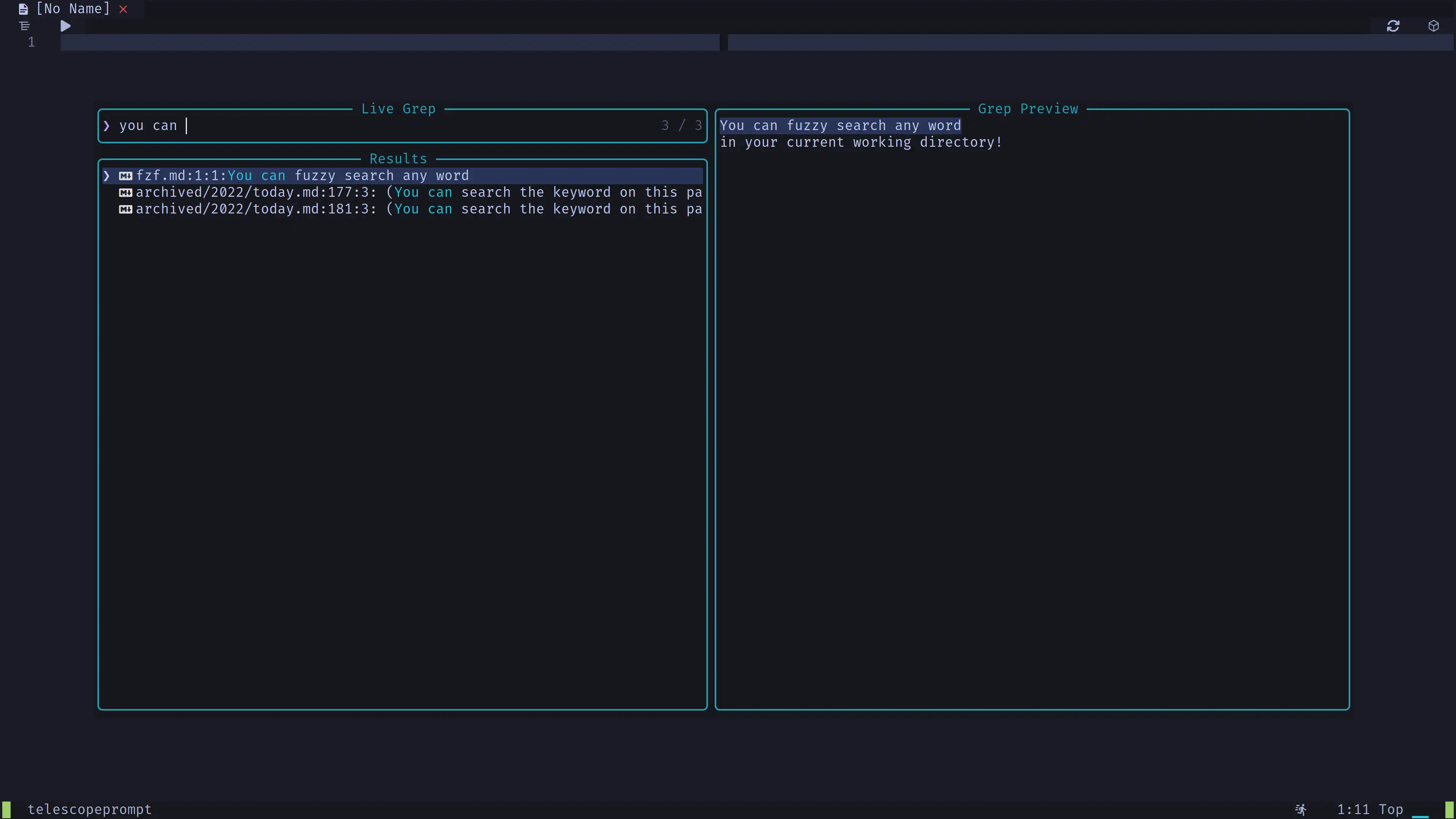
telescope
This plugin is a user interface to fuzzy search.
telescope-fzf-native
Uses fzf-native as backend for telescope. Written in C.
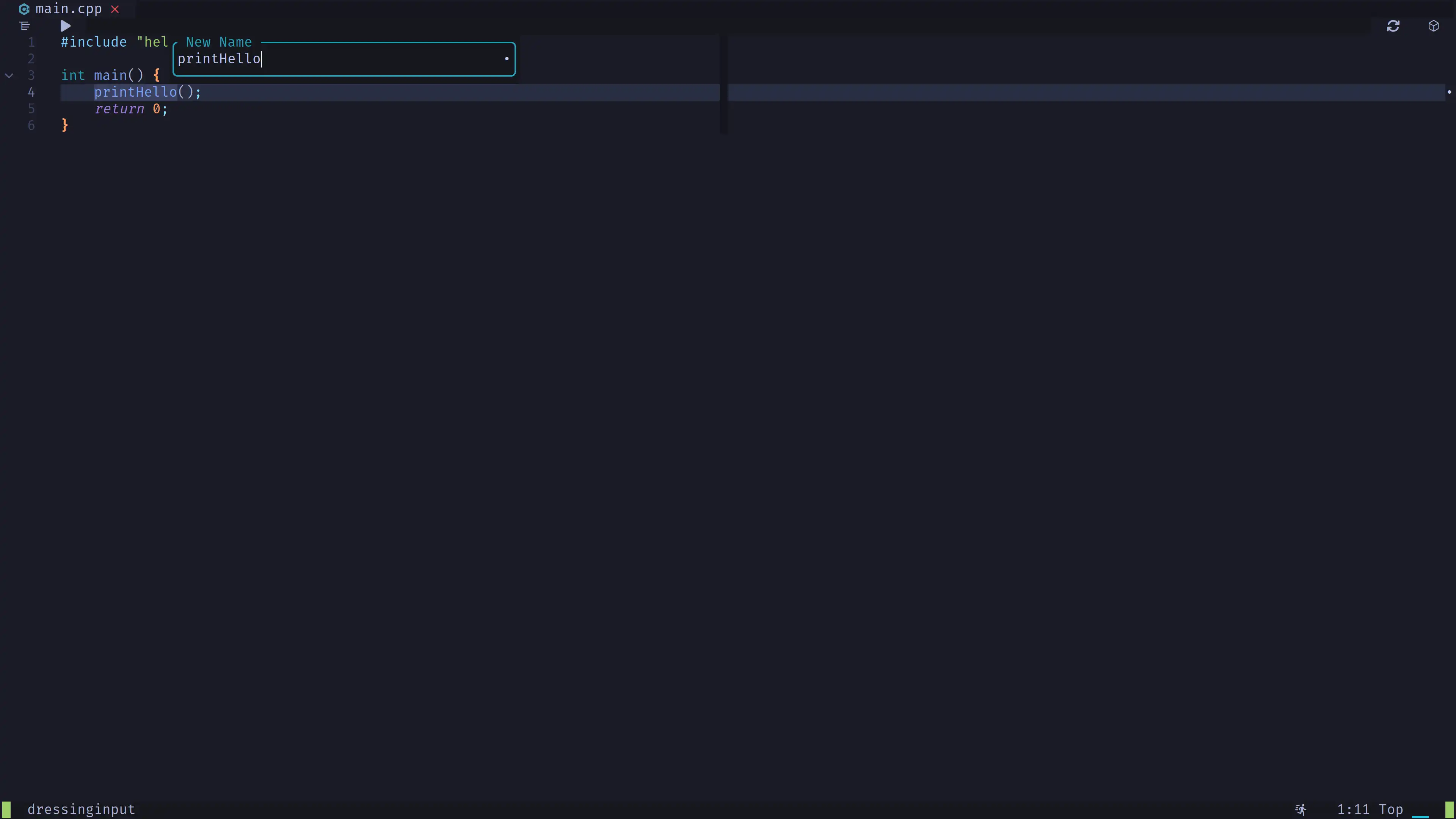
dressing
Improves the visual appearance of vim.ui.select and vim.ui.input.
noice
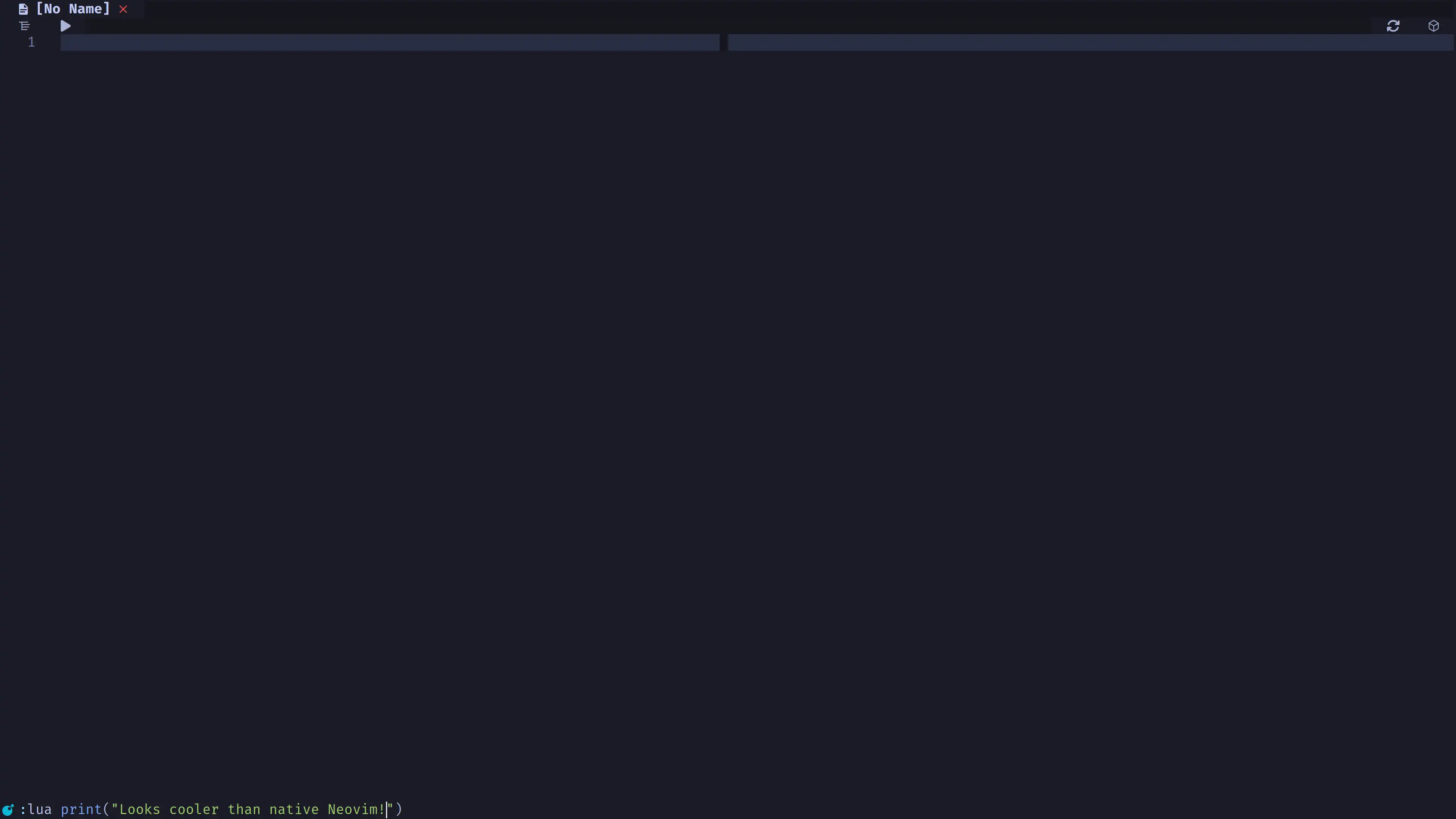
Improves the visual appearance of the command bar you open by pressing :
nvim-web-devicons
Plugin used by heirline-components to display the icon of the current filetype.
lspkind
Plugin we use to display icons in autocomplete.
nvim-scrollbar
Lateral scrollbar that displays
- Lines changed in the current file.
- Diagnostics in the current file.
mini-animate
Adds scroll animations.
We disable this plugin for android because it doesn't work with gestures.
highlight-undo
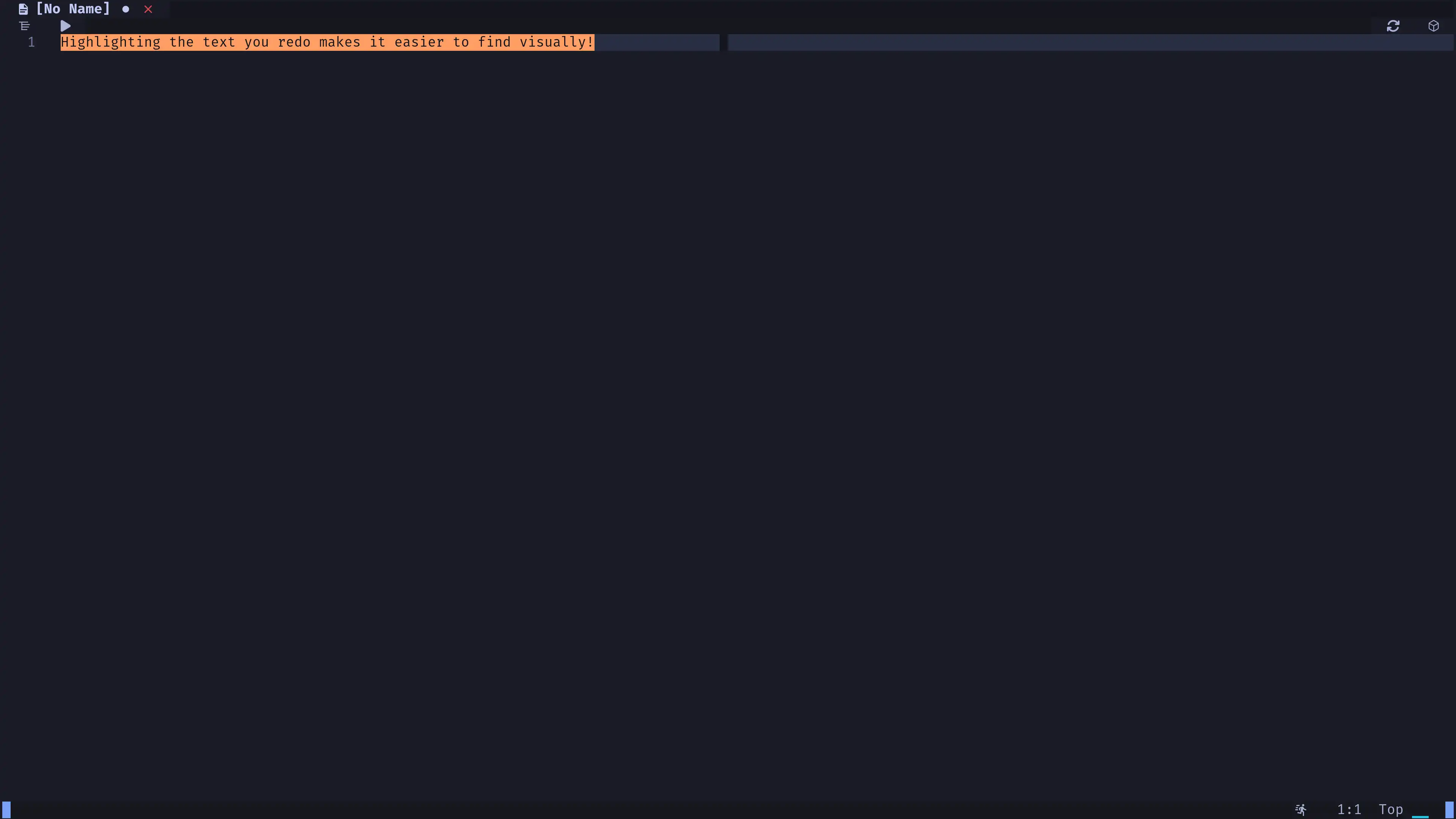
Highlights the text for an instant when you do undo/redo/yank.
- You can undo with
uin normal mode. - You can redo with
ctrl + rin normal mode.
which-key
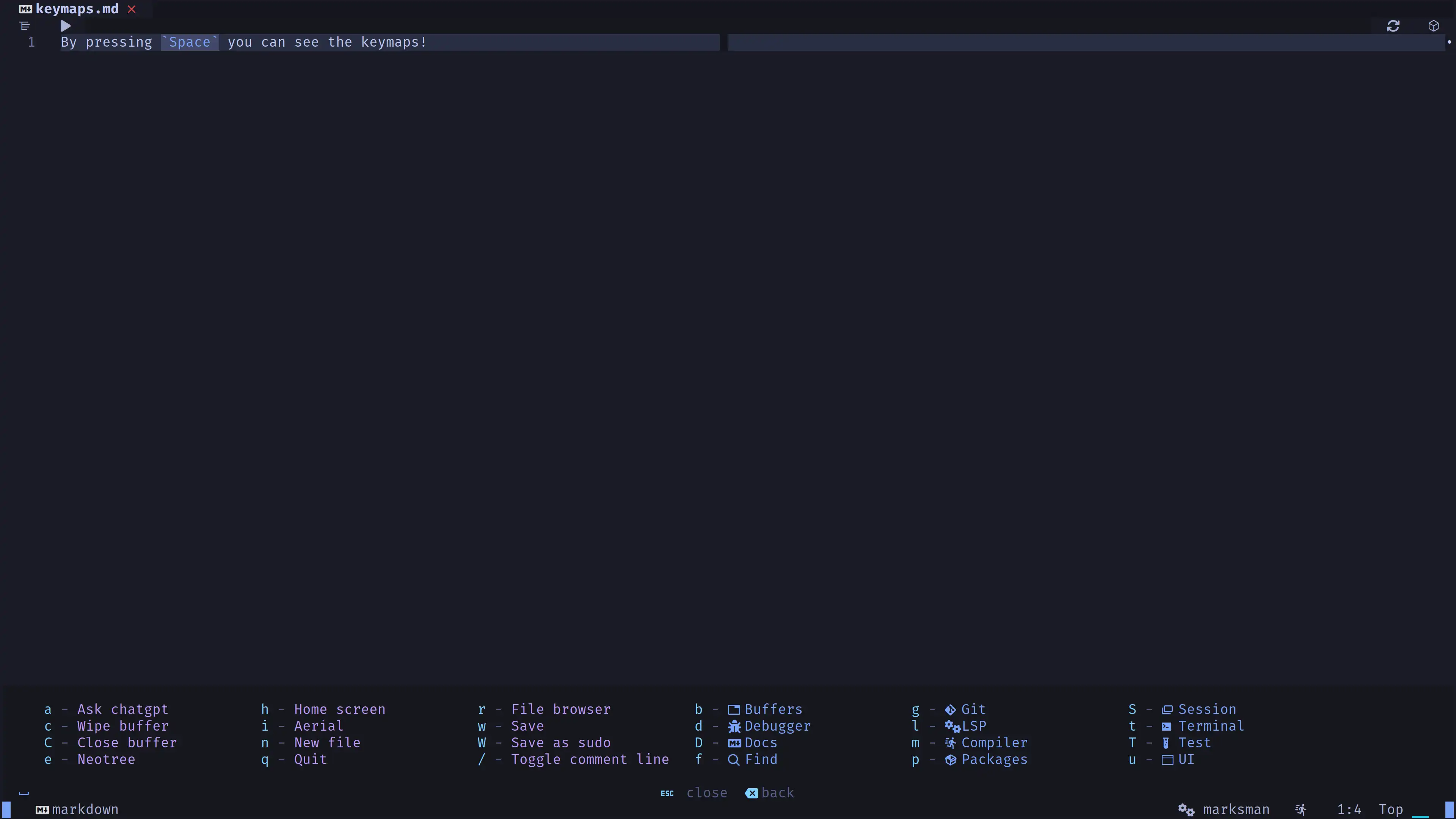
Visually display all the available keymappings.
- Press
Spacein normal mode to display.